Best CRM for Contractors: 2026 Comparison Guide
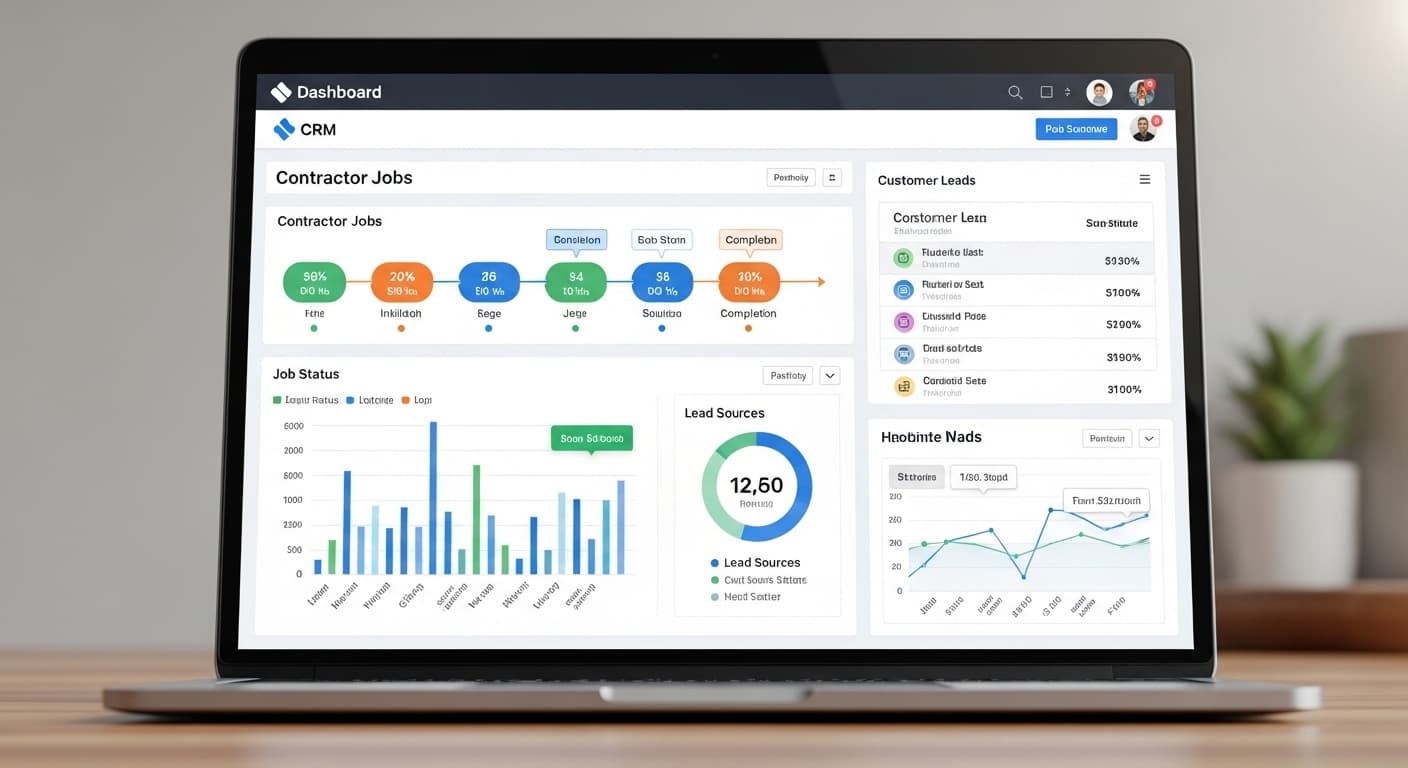
You're good at your trade. It's the office side that leaks money: the quote nobody chased, the lead who called twice and gave up, the customer's number on a scrap of paper somewhere in the truck.
A CRM fixes that by putting every lead, customer, and job in one place. We have strong opinions here, because we don't just recommend CRMs — we build them. When off-the-shelf tools didn't fit a chimney client's field workflow, we built theirs from scratch, and that experience shapes how we judge every tool on this list.
Below: the 7 best CRMs for contractors in 2026 — features, real pricing, and who each one actually fits.
What Makes a Good Contractor CRM?
Before we compare tools, let's define what actually matters. A contractor CRM is not the same as a generic CRM like Salesforce. Contractors need specific features that generic tools do not have:
Must-Have Features
- Lead management — Track where leads come from, their status, and follow-up history
- Automated follow-ups — Send text messages and emails automatically so no lead falls through the cracks
- Estimate and invoice creation — Build professional quotes and invoices from your phone
- Scheduling and dispatching — Schedule jobs, assign crews, and manage your calendar
- Customer communication — Two-way texting and email from within the CRM
- Review request automation — Automatically ask customers for Google reviews after completed jobs
- Mobile app — You are on job sites, not behind a desk. The mobile app must be excellent.
- Reporting — Track revenue, close rates, lead sources, and job profitability
Nice-to-Have Features
- Online booking and customer portal
- Payment processing (credit card, ACH)
- GPS tracking for crews
- Integration with QuickBooks or accounting software
- Marketing automation (email campaigns, drip sequences)
The 7 Best CRMs for Contractors
1. Jobber — Best for Small to Mid-Size Contractors
Price: $49/month (Core), $129/month (Connect), $249/month (Grow)
Jobber is the most popular CRM for small to mid-size contracting businesses, and for good reason. It strikes the perfect balance between functionality and simplicity.
What Jobber Does Well:
- Quoting and invoicing — Create professional estimates with line items, attach photos, and send them via text or email. Customers can approve online.
- Scheduling — Drag-and-drop scheduling with route optimization for field crews
- Client hub — Customers get their own portal to view quotes, approve work, and pay invoices
- Automated follow-ups — Set up automatic quote follow-ups and review requests
- Mobile app — Excellent mobile app that lets you manage everything from your truck
Limitations:
- Limited marketing automation (no email campaigns or drip sequences)
- Reporting could be more detailed
- Gets expensive with multiple users on the Grow plan
Best for: Contractors with 1-15 employees who want a simple, reliable CRM that handles the core workflow from lead to payment.
2. Housecall Pro — Best for Home Service Contractors
Price: $65/month (Basic), $149/month (Essentials), $229/month (MAX)
Housecall Pro is built specifically for home service businesses — plumbers, electricians, HVAC techs, and similar trades. It focuses heavily on the customer experience.
What Housecall Pro Does Well:
- Online booking — Customers can book appointments directly from your website or Google
- Automated marketing — Built-in email marketing, postcard mailers, and review requests
- HCP Pro app — One of the best mobile apps in the contractor CRM space
- Instapay — Get paid faster with next-day ACH transfers
- Google integration — Connects directly with your Google Business Profile and Google Ads
Limitations:
- More expensive than Jobber for similar features
- Custom reporting requires the MAX plan
- Some features feel "locked" behind higher tiers
Best for: Home service contractors who want a polished customer-facing experience with built-in marketing tools.
3. ServiceTitan — Best for Large Contractors
Price: $250-$500+/month (custom pricing based on company size)
ServiceTitan is the 800-pound gorilla of contractor CRMs. It is the most feature-rich option available, but it comes with a price tag and complexity to match.
What ServiceTitan Does Well:
- Everything. Pricebook management, dispatching, call tracking, financing integration, inventory, payroll, marketing scorecards, and more.
- Call recording and tracking — Know which marketing channels generate calls and how your team handles them
- Pricebook — Industry-specific pricebooks with good-better-best options that increase average ticket size
- Reporting — The most detailed reporting of any contractor CRM. Track everything from technician performance to marketing ROI.
- Integrations — Connects with QuickBooks, Google Ads, Angi, HomeAdvisor, and dozens more
Limitations:
- Expensive — Minimum $250/month with long-term contracts
- Complex — Requires significant training and onboarding (2-4 weeks typical)
- Overkill for small teams — If you have fewer than 5 employees, ServiceTitan is more than you need
- Long contracts — Typically requires 12-month commitment
Best for: Contractors with 10+ employees, $1M+ revenue, who need enterprise-level features and reporting.
4. GoHighLevel — Best for Marketing-Focused Contractors
Price: $97/month (Starter), $297/month (Unlimited)
GoHighLevel is not a traditional contractor CRM — it is a marketing and sales platform that can be configured for contractors. If your primary goal is lead generation and marketing automation, GHL is powerful.
What GoHighLevel Does Well:
- Marketing automation — The most powerful email and SMS automation of any tool on this list
- Funnel builder — Create landing pages and lead capture funnels without a developer
- Pipeline management — Visual sales pipeline with automated stage-based actions
- Reputation management — Automated review requests with monitoring and response
- White-label — Agencies can rebrand it for their clients
Limitations:
- Not contractor-specific — No built-in scheduling, dispatching, or invoicing
- Steep learning curve — Takes 2-4 weeks to set up properly
- Requires configuration — Out of the box, it is a blank canvas. You need to build your workflows.
Best for: Marketing-savvy contractors or contractor marketing agencies who want deep automation and lead nurture capabilities.
5. Workiz — Best for Specialized Trades
Price: $65/month (Standard), $169/month (Pro)
Workiz is popular with locksmiths, appliance repair, junk removal, and other specialized trade contractors. It has strong dispatching and communication features.
What Workiz Does Well:
- Built-in phone system — Manage calls, texts, and voicemails directly in the CRM
- Job scheduling and dispatching — Easy-to-use interface with GPS tracking
- Inventory management — Track parts and materials across jobs
- Online booking — Customers can schedule appointments directly from your site
- Zapier integration — Connects with hundreds of other tools
Limitations:
- Smaller ecosystem than Jobber or Housecall Pro
- Limited marketing features
- Customer support can be slow on lower-tier plans
Best for: Specialized trade contractors (locksmith, appliance repair, cleaning) who need strong communication and dispatching features.
6. FieldPulse — Best Budget Option
Price: $60/month for up to 2 users
FieldPulse offers solid contractor CRM features at a lower price point than most competitors, making it attractive for budget-conscious contractors.
What FieldPulse Does Well:
- All-in-one — CRM, scheduling, estimates, invoices, and payments in one platform
- Customer portal — Professional customer-facing experience
- Form builder — Create custom forms for inspections, change orders, etc.
- Price-per-user value — More features per dollar than most competitors
Limitations:
- Fewer integrations than larger platforms
- Mobile app is functional but not as polished
- Brand recognition is lower (harder to find community support)
Best for: Small contractors with 1-5 employees who want comprehensive features without the premium price tag.
7. Zuper — Best for Growing Teams
Price: Custom pricing (typically $50-$100/user/month)
Zuper is a newer entrant focused on field service management with strong AI features and modern interface design.
What Zuper Does Well:
- AI-powered scheduling — Intelligent dispatching that considers skills, location, and availability
- Custom workflows — Build automated processes for any part of your business
- Modern interface — Clean, intuitive design that requires less training
- Strong integrations — Native connections with Salesforce, HubSpot, QuickBooks, and more
- Contract management — Manage recurring service agreements and maintenance contracts
Limitations:
- Custom pricing means you need to talk to sales
- Newer platform with a smaller user community
- Not as contractor-specific as Jobber or Housecall Pro
Best for: Growing contractors with 5-20+ employees who want modern AI features and flexible automation.
Head-to-Head Comparison Table
| Feature | Jobber | Housecall Pro | ServiceTitan | GoHighLevel | Workiz |
|---|---|---|---|---|---|
| Starting Price | $49/mo | $65/mo | $250/mo | $97/mo | $65/mo |
| Lead Management | Good | Good | Excellent | Excellent | Good |
| Auto Follow-Up | Basic | Good | Good | Excellent | Basic |
| Scheduling | Excellent | Good | Excellent | None | Good |
| Invoicing | Excellent | Excellent | Excellent | None | Good |
| Mobile App | Excellent | Excellent | Good | Fair | Good |
| Review Requests | Good | Good | Good | Excellent | Basic |
| Reporting | Good | Good | Excellent | Good | Fair |
| Ease of Use | 9/10 | 8/10 | 6/10 | 5/10 | 8/10 |
| Marketing Tools | Basic | Good | Good | Excellent | Basic |
How to Choose the Right CRM
Here is the decision framework:
Choose Jobber if:
- You have 1-15 employees
- You want something easy to set up and use
- Core workflow (quote to invoice) is your priority
Choose Housecall Pro if:
- You are a home service contractor
- Online booking and customer experience matter
- You want built-in marketing tools
Choose ServiceTitan if:
- You have 10+ employees and $1M+ revenue
- You need enterprise-level reporting
- You are willing to invest in training and setup
Choose GoHighLevel if:
- Marketing and lead nurture are your top priorities
- You are comfortable with technology
- You have or want to build complex automations
Choose Workiz if:
- You are in a specialized trade
- Built-in phone system is important
- You need strong dispatching features
CRM Implementation Tips
Once you pick a CRM, here is how to make the transition smooth:
- Start with the basics — Set up your customer list, services, and pricing. Do not try to configure everything on day one.
- Import your contacts — Upload your existing customer list from spreadsheets or your old system.
- Set up automated follow-ups — This is the highest-ROI feature. Configure quote follow-ups and review requests first.
- Train your team — Spend 1-2 hours showing your team the basics. Most people resist new tools until they see how much time it saves.
- Use the mobile app — The CRM only works if you actually use it. The mobile app makes it easy to log jobs and update statuses from the field.
The ROI of a Contractor CRM
The math is simple. If a CRM helps you:
- Close 2 more jobs per month (from better follow-up) at $3,000 average = $6,000/month
- Save 5 hours/week on admin (scheduling, invoicing, communication) = 20 hours/month back
- Get 5 more reviews per month (from automated requests) = Higher Google ranking, more leads
Even the most expensive CRM on this list pays for itself many times over.
Ready to Pair Your CRM with a Lead Machine?
A CRM manages the leads you have. But you also need a system that generates those leads in the first place. At RankWeld, we build complete marketing systems for contractors — SEO, Google Ads, websites, and review management — that fill your CRM pipeline with qualified leads every week.
Once you have the right CRM in place, pair it with our contractor email marketing guide and our CRM setup guide to build a complete lead nurturing system. For AI-powered automation that goes beyond standard CRMs, see our AI agents for contractors.
Get a free SEO audit and see exactly how many leads your business should be generating.
Recommended Service
Never Miss a Lead Again
Our contractor CRM tracks every lead, automates follow-ups, and helps you close more jobs. Built for trades, not tech people.
Explore CRM & AutomationRelated Articles

How to Get More Leads as a Contractor: 15 Proven Strategies
Struggling to fill your pipeline? These 15 proven lead generation strategies help contractors get more calls, more quotes, and more booked jobs — without wasting money on bad leads.
Read more
The Ultimate Guide to Contractor Marketing in 2026
Everything contractors need to know about marketing in 2026. From SEO and Google Ads to reviews and social media, this guide covers every channel that drives real leads.
Read more
Contractor Website Design: 10 Must-Have Features That Convert
Your contractor website should be a lead generation machine, not a digital brochure. These 10 must-have features separate websites that generate calls from websites that just look pretty.
Read moreReady to Put This Into Action?
Get a free SEO audit and see exactly where your contracting business stands.