Google Ads for Contractors: Budget, Strategy & ROI Guide
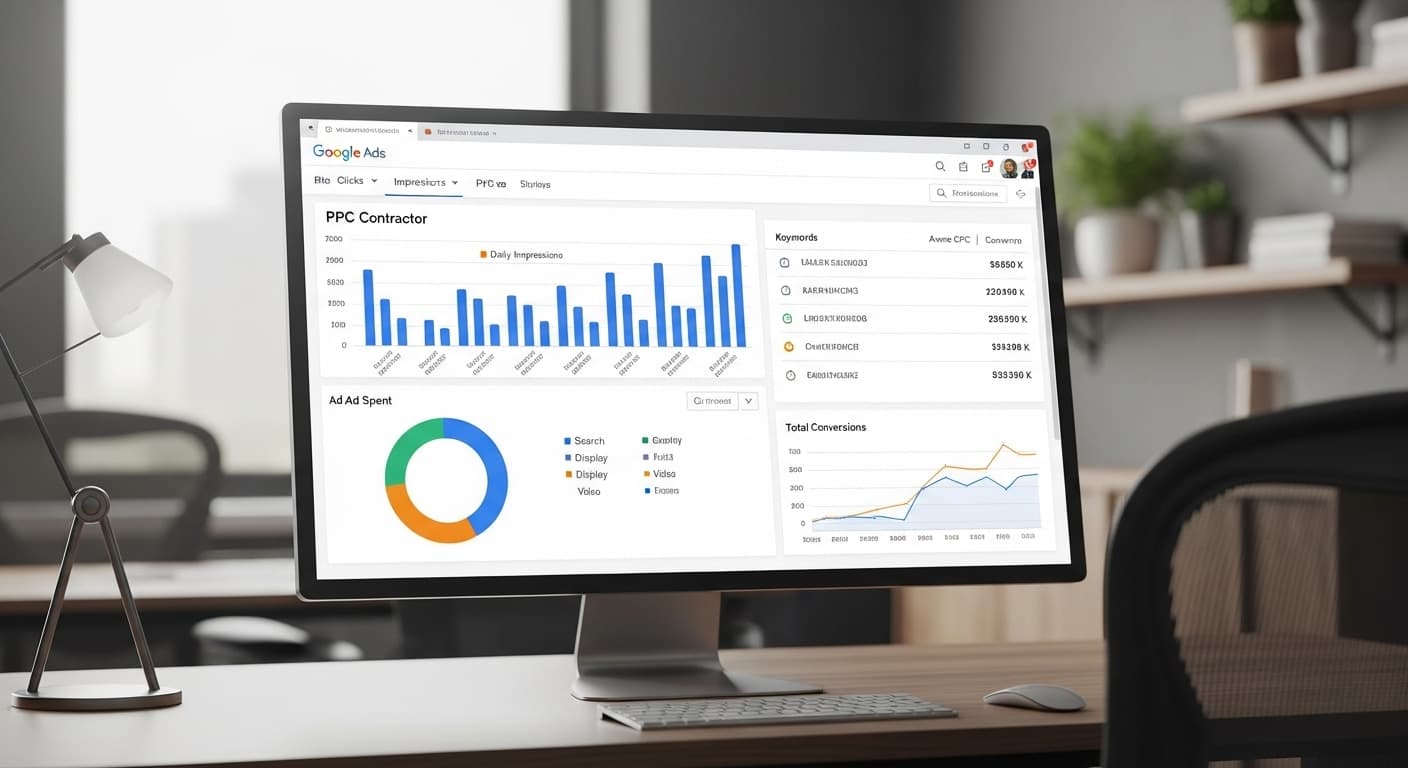
Google Ads is the only channel that can put your phone number in front of a homeowner within an hour of turning it on. When someone searches "plumber near me" at 9pm with water in the kitchen, the ad at the top gets the call.
It's also the fastest way to burn money in this industry. We know because we track campaigns down to the booked job — and we once shut a client's ads off entirely when the numbers showed clicks and calls but no signed work. The budget went into SEO instead, where it performed. An agency that only makes money running your ads will never tell you that.
This guide covers what we've learned managing Google Ads campaigns for the trades: how much to budget, how to structure campaigns, which keywords buy jobs instead of tire-kickers, and when ads are the wrong answer.
How Google Ads Works (The 60-Second Version)
Google Ads is an auction system. You bid on keywords — the search terms people type into Google. When someone searches for a keyword you are bidding on, Google runs an instant auction to decide which ads to show and in what order.
You only pay when someone clicks your ad (that is why it is called Pay-Per-Click or PPC). The amount you pay per click depends on:
- Competition — How many other contractors are bidding on the same keyword
- Quality Score — Google's rating of your ad relevance, landing page quality, and expected click-through rate
- Bid amount — The maximum you are willing to pay per click
- Location — Costs vary significantly by market
A higher Quality Score means you pay less per click and get better ad positions. This is why campaign optimization matters — a well-managed campaign can cost 30-50% less per lead than a poorly managed one.
How Much Should Contractors Spend on Google Ads?
Let's get specific with numbers based on real contractor campaigns.
Recommended Starting Budgets
| Business Stage | Monthly Ad Spend | Management Fee | Total Monthly |
|---|---|---|---|
| Testing (new to ads) | $1,000-$1,500 | $500-$750 | $1,500-$2,250 |
| Growing | $1,500-$3,000 | $750-$1,500 | $2,250-$4,500 |
| Scaling | $3,000-$7,000 | $1,000-$2,000 | $4,000-$9,000 |
| Dominating | $7,000-$15,000+ | $1,500-$3,000 | $8,500-$18,000+ |
Why $1,000/month minimum? Below $1,000/month, you do not generate enough clicks and data to optimize effectively. You are essentially guessing. With $1,000+, you get enough data within 30 days to start making informed decisions about which keywords, ads, and landing pages perform best.
Cost-Per-Click by Trade
| Trade | Average CPC | Range |
|---|---|---|
| Plumbing | $18 | $10-$35 |
| HVAC | $22 | $12-$40 |
| Roofing | $15 | $8-$30 |
| Electrical | $14 | $8-$25 |
| General Contracting | $12 | $6-$22 |
| Landscaping | $8 | $4-$15 |
| Painting | $7 | $3-$14 |
| Pest Control | $10 | $5-$20 |
| Garage Doors | $20 | $12-$35 |
| Fencing | $6 | $3-$12 |
Cost-Per-Lead Benchmarks
| Trade | Average CPL | Good CPL | Excellent CPL |
|---|---|---|---|
| Plumbing | $65 | $40-$55 | Under $35 |
| HVAC | $80 | $50-$65 | Under $45 |
| Roofing | $55 | $35-$45 | Under $30 |
| Electrical | $50 | $30-$40 | Under $25 |
| General Contracting | $45 | $25-$35 | Under $20 |
| Landscaping | $30 | $18-$25 | Under $15 |
| Painting | $28 | $15-$22 | Under $12 |
These are leads, not closed jobs. Apply your close rate (typically 20-35% for contractors) to calculate your actual cost-per-acquisition.
Campaign Structure for Contractors
A well-structured campaign is the difference between $30 leads and $100 leads. Here is how to organize your Google Ads account.
Campaign 1: Emergency/Urgent Services
This is usually your highest-ROI campaign because emergency searches have the highest conversion rates.
Keywords:
- "Emergency plumber [city]"
- "24 hour [service] near me"
- "[Service] repair emergency"
- "Same day [service] [city]"
Settings:
- Run 24/7 (emergencies happen at night and on weekends)
- Bid aggressively — these leads are worth the premium
- Use call-only ads for mobile traffic
- Geographic targeting: your actual service area (tight)
Campaign 2: Core Services
Your bread-and-butter service keywords that generate consistent lead volume.
Keywords:
- "[Service] [city]"
- "[Service] near me"
- "[Service] company [city]"
- "Best [trade] [city]"
- "[Trade] contractor [city]"
Settings:
- Run during business hours (or whenever you can answer calls)
- Moderate bids — balance volume with cost
- Use a mix of call ads and landing page ads
- Geographic targeting: your full service area
Campaign 3: Specific Services
Target keywords for individual services that tend to have lower competition and cost.
Keywords:
- "Water heater installation [city]"
- "Drain cleaning [city]"
- "Roof inspection [city]"
- "[Specific service] cost [city]"
- "[Specific service] estimate [city]"
Settings:
- Run during business hours
- Lower bids (less competition on specific terms)
- Send traffic to service-specific landing pages
- Geographic targeting: full service area
Campaign 4: Branded
Protect your brand name from competitors who may bid on it.
Keywords:
- "[Your company name]"
- "[Your company name] reviews"
- "[Your company name] phone number"
Settings:
- Low budget ($100-$200/month)
- High ad position (you should always be #1 for your own name)
- This prevents competitors from showing up when people search for you specifically
Keyword Strategy: What to Bid On (and What to Avoid)
High-Intent Keywords (BID ON THESE)
These keywords indicate someone is ready to hire:
- "[Service] repair near me"
- "Best [trade] in [city]"
- "[Service] contractor [city]"
- "Emergency [service] [city]"
- "[Service] cost estimate [city]"
- "Hire a [trade] in [city]"
Low-Intent Keywords (AVOID THESE)
These keywords burn budget on people who are not ready to buy:
- "How to [fix/repair something] DIY"
- "[Trade] jobs" (people looking for employment)
- "[Trade] salary"
- "[Service] tools"
- "[Trade] license requirements"
- "[Trade] school"
Negative Keywords (ADD THESE IMMEDIATELY)
Negative keywords prevent your ads from showing for irrelevant searches. Add these from day one:
Universal negatives for contractors:
- DIY, how to, tutorial, guide, video
- Jobs, hiring, salary, career, employment
- Free (unless you offer free estimates)
- Cheap, cheapest, discount
- School, training, course, certification, license
- Lawsuit, complaint, scam, rip-off
- Home Depot, Lowe's (retailer searches)
- Tools, supplies, materials, parts
Review your Search Terms Report weekly and add new negative keywords as you find irrelevant searches.
Writing Ads That Convert
Your ad is the first impression. In a split second, it needs to convince someone to click on you instead of the 3-4 other ads showing on the page.
Ad Copy Formula for Contractors
Headline 1: [Service] in [City] — or — [City]'s Top-Rated [Trade] Headline 2: [Unique selling proposition] — e.g., "Same-Day Service | Licensed & Insured" Headline 3: [Social proof] — e.g., "4.9 Stars | 200+ Reviews" Description 1: Call out the customer's pain point and your solution. Include a CTA. Description 2: Additional selling points — financing, warranties, years in business.
Ad Copy Examples
Plumber:
- H1: Seattle Emergency Plumber
- H2: Available 24/7 | Licensed & Insured
- H3: 4.9 Stars on Google (275+ Reviews)
- D1: Burst pipe? Clogged drain? Our licensed plumbers are on call 24/7 with same-day service. Call now for a free estimate.
- D2: Family-owned since 2005. No overtime charges. Upfront pricing. 100% satisfaction guaranteed.
Roofer:
- H1: Roof Repair in Dallas | Free Inspection
- H2: Licensed & Insured | 15+ Years Experience
- H3: Rated #1 Roofer in Dallas (300+ Reviews)
- D1: Leaking roof? Storm damage? Get a free roof inspection and honest repair estimate. We work with all insurance companies.
- D2: GAF certified installer. Lifetime warranty on all installations. Financing available as low as $99/month.
Ad Extensions (Use All of Them)
Ad extensions add extra information to your ads, making them larger and more clickable:
- Call extension — Shows your phone number. Critical for mobile.
- Location extension — Shows your address and distance from the searcher.
- Sitelink extensions — Links to specific pages (Reviews, Free Estimate, Emergency Service, Financing).
- Callout extensions — Short phrases highlighting benefits (Licensed & Insured, Free Estimates, Same-Day Service, No Overtime Charges).
- Structured snippets — List your services (Drain Cleaning, Water Heater, Sewer Repair, etc.).
Using all available extensions can increase click-through rate by 15-20%.
Landing Pages: Where Clicks Become Leads
Sending ad traffic to your homepage is a common mistake. You should send each campaign to a dedicated landing page optimized for conversion.
Landing Page Best Practices
- Match the ad — If your ad says "Emergency Plumber in Seattle," the landing page headline should say "Emergency Plumber in Seattle" — not "Welcome to Smith Plumbing"
- Phone number above the fold — Clickable, prominent, impossible to miss
- Short form — Name, phone, brief description. That is it.
- Social proof — Google rating, review count, certifications, and 1-2 testimonials
- Before-and-after photos — Real project photos, not stock images
- No distractions — Remove navigation menus, sidebars, and anything that is not directly related to getting the visitor to call or fill out the form
A well-optimized landing page can double your conversion rate compared to sending traffic to your homepage.
Tracking and Measuring ROI
If you are not tracking conversions, you are flying blind. Here is what to set up:
Essential Tracking
- Call tracking — Use a tracking number (CallRail, WhatConverts, or Google's built-in call tracking) to attribute calls to specific keywords and ads
- Form submission tracking — Track when someone fills out a contact form as a conversion
- Google Analytics — Understand how visitors interact with your landing pages
- CRM integration — Connect your CRM so you can track which ad clicks become actual paying customers
Key Metrics to Monitor
| Metric | What It Tells You | Benchmark |
|---|---|---|
| Click-through rate (CTR) | Are people clicking your ads? | 5-10% |
| Cost-per-click (CPC) | How much each click costs | $5-$35 |
| Conversion rate | What % of clicks become leads | 8-15% |
| Cost-per-lead (CPL) | How much each lead costs | $25-$100 |
| Lead-to-close rate | What % of leads become customers | 20-35% |
| Cost-per-acquisition (CPA) | Total cost to acquire a customer | $100-$400 |
| Return on ad spend (ROAS) | Revenue generated per dollar spent | 5:1 to 10:1 |
Calculating Your ROI
Here is the formula:
Monthly ad spend: $2,500 Leads generated: 40 (at $62.50/lead) Leads closed: 12 (30% close rate) Average job revenue: $4,500 Total revenue: $54,000 ROI: $54,000 / $2,500 = 21.6x return
Even cutting those numbers in half, you are still looking at a 10x return. This is why Google Ads works for contractors when managed properly.
Common Google Ads Mistakes Contractors Make
1. Targeting Too Broad
Bidding on "plumber" instead of "plumber Seattle" wastes budget showing your ads to people outside your service area. Always include geographic modifiers.
2. No Negative Keywords
Without negative keywords, your ads show up for searches like "plumber jobs," "how to fix a toilet DIY," and "cheap plumber tools." Add negatives from day one and review your search terms report weekly.
3. Sending Traffic to the Homepage
Your homepage is designed for everyone. Your landing page should be designed for the specific person who clicked a specific ad. Match the landing page to the ad and the keyword.
4. Not Tracking Calls
If you are not using call tracking, you have no idea which keywords generate actual phone calls. You are optimizing in the dark.
5. Set It and Forget It
Google Ads requires ongoing optimization. Check your campaigns weekly: add negative keywords, pause underperforming ads, adjust bids, and test new ad copy. A campaign left untouched for months will waste money.
6. No Mobile Strategy
Over 70% of contractor ad clicks happen on mobile. If your landing page is not mobile-optimized and your phone number is not clickable, you are wasting most of your budget.
Google Ads vs Local Service Ads
You should know the difference between traditional Google Ads and Google's Local Service Ads (LSAs):
| Feature | Google Ads | Local Service Ads |
|---|---|---|
| Position | Below LSAs | Top of page |
| Pricing | Pay per click | Pay per lead |
| Average CPL | $35-$100 | $15-$50 |
| Trust badge | None | "Google Guaranteed" |
| Lead quality | Mixed | Generally higher |
| Control | Full control | Limited control |
| Setup time | 1-2 days | 2-4 weeks (verification) |
Our recommendation: Run both. LSAs capture the highest-intent leads at a lower cost. Google Ads capture additional search volume and give you more control over targeting and messaging.
When to DIY vs Hire an Agency
Manage It Yourself If:
- Your budget is under $1,000/month
- You have time to learn and optimize weekly
- You are comfortable with data and analytics
- You are in a low-competition market
Hire an Agency If:
- Your budget is $1,500+/month
- Your time is better spent on the job site
- You are in a competitive market
- You want to scale faster with expert optimization
At RankWeld, our Google Ads management starts at $750/month with no long-term contracts. We manage everything — campaign setup, keyword research, ad creation, landing pages, bid optimization, and monthly reporting — so you can focus on running your business.
Start Getting Leads This Week
Google Ads is one of the few marketing channels that can generate leads within 48 hours of setup. You do not need to wait months for results.
But to maximize your ROI, you need the right strategy, the right tracking, and ongoing optimization. Winging it works for hanging drywall. It does not work for Google Ads.
If you are weighing Google Ads against organic search, read our Google Ads vs. SEO comparison for an unbiased breakdown of when each channel delivers better ROI.
Ready to launch or improve your Google Ads campaigns? Get a free SEO audit from RankWeld, and we will include a competitive PPC analysis showing exactly what your competitors are spending, which keywords they are bidding on, and where your biggest opportunities are.
Recommended Service
Ready to Get Leads This Week?
Our Google Ads campaigns for contractors deliver high-intent leads with an average 5-8x ROI. Stop wasting budget on clicks that don't convert.
Explore Google Ads ManagementRelated Articles

Google Ads vs SEO for Contractors: Which Is Better for Your Budget?
Should you spend your marketing budget on Google Ads or SEO? The answer depends on your timeline, budget, and business goals. Here's a detailed breakdown with real numbers to help you decide.
Read more
How Much Does Contractor Marketing Cost in 2026?
Wondering what contractor marketing actually costs? This guide breaks down real pricing for every channel — SEO, Google Ads, websites, reviews, and more — with ROI benchmarks so you know what to expect.
Read more
How to Get More Leads as a Contractor: 15 Proven Strategies
Struggling to fill your pipeline? These 15 proven lead generation strategies help contractors get more calls, more quotes, and more booked jobs — without wasting money on bad leads.
Read moreReady to Put This Into Action?
Get a free SEO audit and see exactly where your contracting business stands.