Google Business Profile for Contractors: Complete Setup & Optimization Guide
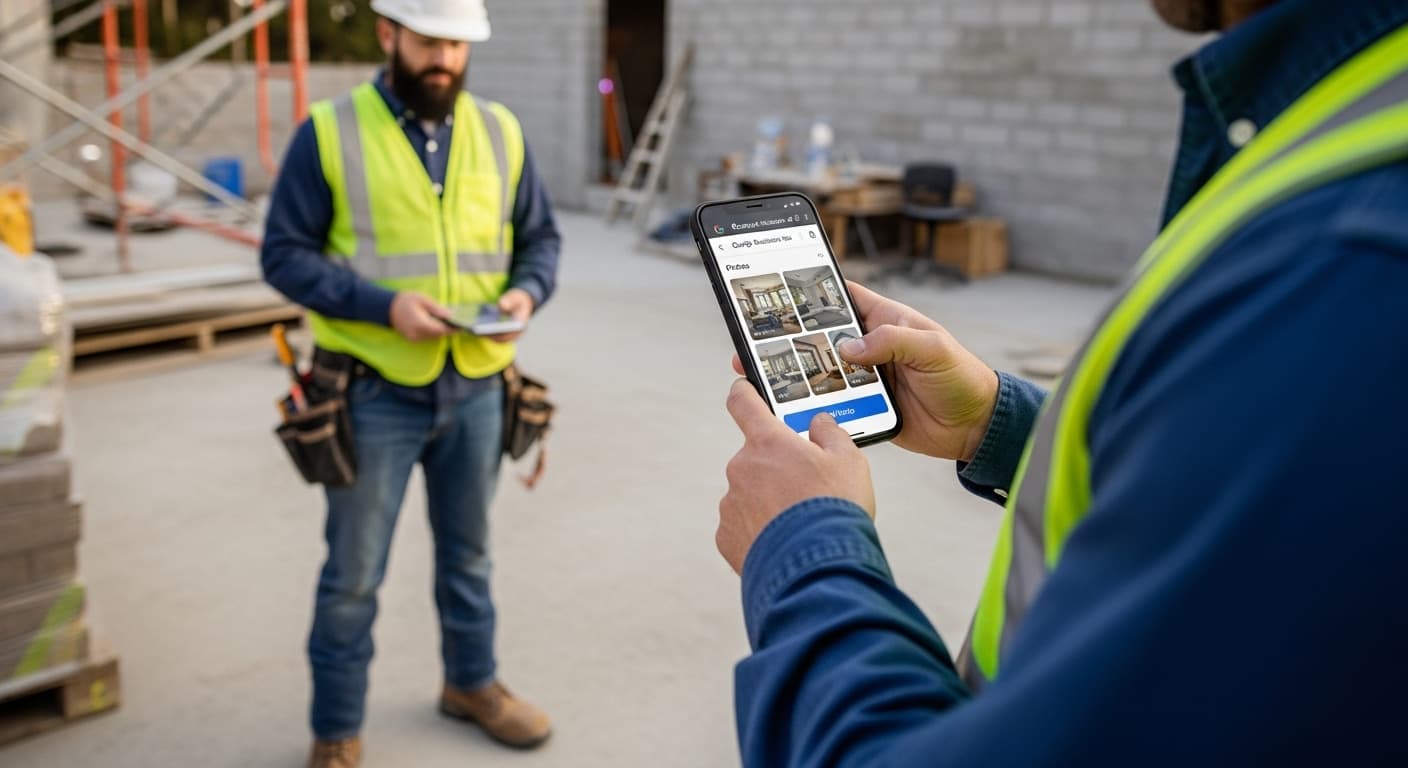
If there is one thing you do for your contracting business's marketing this year, optimize your Google Business Profile. It is free, it takes a few hours, and it can generate more leads than any other single marketing activity.
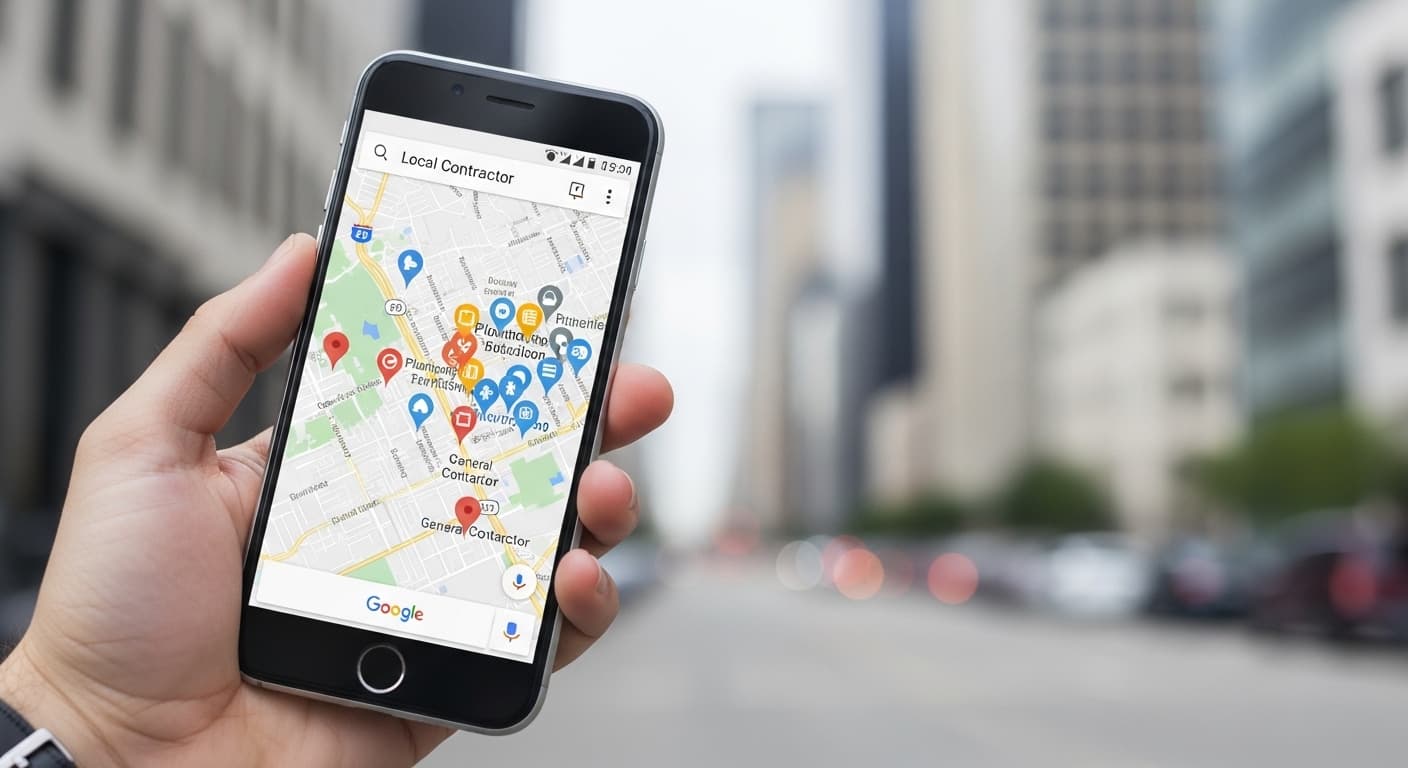
Your Google Business Profile (GBP) is the listing that appears in the Google Map Pack — the box with three business listings and a map that shows up at the top of local search results. When someone searches "plumber near me" or "roof repair Seattle," the Map Pack is the first thing they see.
64% of consumers use Google Business Profile to find contact information for local businesses. If your profile is incomplete, outdated, or poorly optimized, you are invisible to the majority of your potential customers.
This guide walks you through everything: from initial setup to advanced optimization tactics that will help you outrank your competitors in the Map Pack.
Setting Up Your Google Business Profile
If you do not have a GBP yet, or if you claimed one years ago and never finished setting it up, follow these steps:
Step 1: Create or Claim Your Profile
- Go to business.google.com
- Search for your business name
- If it already exists, click "Claim this business" — if not, click "Add your business"
- Enter your business name exactly as it appears on your website, trucks, and business cards (do not stuff keywords into your business name — this violates Google's terms and can get your profile suspended)
- Choose your primary category (more on this below)
Step 2: Verify Your Business
Google needs to verify that you are the actual owner. Verification methods include:
- Postcard by mail — Google sends a postcard with a verification code to your business address (5-14 days)
- Phone verification — Some businesses can verify via phone call or text
- Video verification — Google may ask you to record a video of your business location, signage, or equipment
- Instant verification — If you have already verified your domain with Google Search Console
Service-area businesses (contractors who go to customers) can verify without a physical storefront. You will set your service areas in the next step.
Step 3: Set Your Service Area
As a contractor, you likely go to your customers rather than having them come to you. Set up your profile as a Service Area Business (SAB):
- In your GBP dashboard, go to "Info" then "Service areas"
- Add the cities, counties, or zip codes you serve
- You can add up to 20 service areas
- If you do not have a physical storefront that customers visit, hide your address (Google shows your service area instead)
Pro tip: Do not set your service area too wide. If you serve a 30-mile radius, do not claim you serve the entire state. Google uses proximity as a ranking factor, and overextending your service area dilutes your relevance.
Optimizing Your Profile for Maximum Visibility
Setting up your profile is step one. Optimizing it to actually rank in the Map Pack is where the real work begins.
Choose the Right Primary Category
Your primary category is the single most important ranking factor for your Google Business Profile. Get this wrong, and nothing else matters.
Rules for choosing your primary category:
- Be as specific as possible. "Plumber" is better than "Contractor." "Roofing Contractor" is better than "General Contractor."
- Match what you do most. If 80% of your revenue is from HVAC repair, your primary category should be "HVAC Contractor" — not "Heating Contractor" or "Air Conditioning Contractor."
- Check your competitors. Search your target keywords and see what categories the top-ranking businesses use.
Add Secondary Categories
You can add up to 9 secondary categories. Add every category that legitimately applies to your business:
Example for a plumbing company:
- Primary: Plumber
- Secondary: Water Heater Installation Service, Drain Cleaning Service, Septic System Service, Emergency Plumber, Gas Installation Service
Example for a roofing company:
- Primary: Roofing Contractor
- Secondary: Gutter Cleaning Service, Siding Contractor, Roof Inspection Service, Metal Roof Contractor
Write a Keyword-Rich Business Description
Your business description can be up to 750 characters. Use this space to naturally include your target keywords and service areas.
Good example: "ABC Plumbing is a full-service plumbing company serving Seattle, Bellevue, and Tacoma since 2008. We specialize in emergency plumbing repair, water heater installation, drain cleaning, and sewer line replacement. Our licensed plumbers are available 24/7 with same-day service for residential and commercial customers. With over 500 five-star reviews, we are the most trusted plumber in the greater Seattle area."
Bad example: "We are a great company that does great work. Call us for a free estimate!"
Complete Every Field
Google rewards complete profiles. Fill out every available field:
- Phone number — Use a local phone number (area code matching your service area), not a toll-free 800 number
- Website URL — Link to your homepage or a dedicated landing page
- Hours of operation — Include special hours for holidays. If you offer emergency service, note "24/7" in your description
- Services — List every individual service with descriptions and optional pricing
- Attributes — Check every applicable attribute (women-owned, veteran-owned, wheelchair accessible, etc.)
- Products — If you sell specific products (water heaters, HVAC units), add them with descriptions and prices
Photos: The Secret Weapon
Photos are one of the most underrated ranking factors for Google Business Profile. Businesses with 100+ photos get 520% more calls than businesses with fewer than 10 photos.
What Photos to Upload
- Exterior photos — Your office, storefront, or where your trucks are parked. Helps Google verify your location.
- Interior photos — If you have an office or showroom.
- Team photos — Builds trust. Customers want to see who will be showing up at their home.
- Vehicle photos — Your branded trucks and vans.
- Before-and-after project photos — The most powerful type of photo. Upload these consistently.
- Job site photos — Showing your team at work demonstrates competence and professionalism.
- Equipment photos — Show the professional equipment you use.
Photo Best Practices
- Upload at least 3 new photos every week
- Use original photos, not stock images (Google can detect stock photos)
- Geo-tag photos with your service area location data
- Name your photo files descriptively: "roof-repair-seattle-before-after.jpg" not "IMG_4589.jpg"
- Keep photos well-lit and in focus — smartphone quality is fine, but blurry or dark photos hurt more than they help
Google Posts: Stay Active and Visible
Google Posts are short updates that appear on your GBP listing. They show Google that your business is active, and they give potential customers more reasons to choose you.
Types of Google Posts
- What's New — Share completed projects, company news, or helpful tips
- Offer — Promote seasonal discounts or special deals (these have start and end dates)
- Event — Promote events like free estimate days or community involvement
Post Best Practices
- Post at least once per week — Consistency matters more than perfection
- Include a photo with every post — Posts with photos get 35% more clicks
- Add a CTA button — "Call Now," "Get a Quote," "Learn More," or "Book Online"
- Keep text under 300 words — Most people only read the first 100-150 words
- Include keywords naturally — Mention your service and city in each post
Example post: "Just completed this full roof replacement in Bellevue, WA. The homeowner had a 20-year-old asphalt shingle roof with multiple leaks. We installed GAF Timberline HDZ lifetime shingles with a new ice and water shield. Project completed in 2 days. Need a roof inspection? Call us for a free estimate."
Reviews: The Trust Factor
We have a full guide on getting more Google reviews, but here are the key points for your GBP strategy:
Why Reviews Matter for Your GBP Ranking
- Reviews are the third most important ranking factor for the Map Pack (after relevance and proximity)
- Quantity matters — More reviews signal a more established business
- Recency matters — Recent reviews carry more weight than old ones. You need a steady stream, not a one-time push.
- Keywords in reviews help — When customers mention specific services or locations in their reviews, it strengthens your relevance for those search terms
Managing Reviews
- Respond to every review within 24 hours
- Thank positive reviewers specifically — mention what you did for them
- Address negative reviews professionally — never argue, never get defensive, offer to resolve the issue offline
- Never buy fake reviews — Google's AI detection will catch them, and the penalty is profile suspension
Questions and Answers
The Q&A section of your GBP is often overlooked, but it is valuable real estate. Anyone can ask a question, and anyone can answer — including you.
Q&A Strategy
- Seed your own questions — Ask and answer common questions yourself. Things like "Do you offer free estimates?" "What areas do you serve?" "Are you licensed and insured?" "Do you offer financing?"
- Monitor for new questions — Set up alerts so you can answer questions quickly before someone else provides a wrong answer
- Include keywords in your answers — "Yes, we offer free plumbing estimates for all homes in Seattle, Bellevue, Kirkland, and the greater Eastside area."
Tracking Your GBP Performance
Google provides free insights on how your profile is performing. Check these monthly:
Key Metrics to Track
- Search queries — What keywords people used to find your business
- Profile views — How many people saw your listing
- Actions — How many people called, visited your website, or requested directions
- Photo views — How your photo count and views compare to competitors
- Review trends — Are you gaining reviews faster or slower than competitors?
Benchmarks for Contractors
| Metric | Good | Great | Exceptional |
|---|---|---|---|
| Monthly profile views | 500+ | 1,500+ | 5,000+ |
| Monthly calls from GBP | 20+ | 50+ | 150+ |
| Monthly website clicks | 100+ | 300+ | 1,000+ |
| Total reviews | 50+ | 150+ | 500+ |
| Average rating | 4.5+ | 4.7+ | 4.9+ |
Common GBP Mistakes Contractors Make
Avoid these pitfalls:
- Keyword stuffing the business name — Adding "Best Plumber in Seattle" to your business name violates Google's guidelines and can get your profile suspended.
- Using a P.O. Box address — Google does not allow P.O. Boxes. Use your actual business address or set up as a service-area business.
- Ignoring negative reviews — Unaddressed negative reviews signal to both Google and customers that you do not care about customer satisfaction.
- Inconsistent information — If your phone number is different on your GBP than on your website, Yelp, and Facebook, Google is less confident about your business information, which hurts your ranking.
- Not posting regularly — An inactive GBP signals an inactive business. Post weekly at minimum.
- Only uploading your logo — One or two photos is worse than none. Commit to uploading real project photos every week.
Advanced GBP Tactics
Once you have the basics covered, these advanced tactics can give you an edge:
GBP Products and Services
Add every service you offer with detailed descriptions. For each service, include:
- Service name with natural keyword usage
- 150-300 word description
- Price range (optional but recommended for transparency)
UTM Tracking
Add UTM parameters to your website URL in GBP so you can track how much traffic and how many leads come specifically from your profile in Google Analytics.
Example: https://yoursite.com?utm_source=google&utm_medium=organic&utm_campaign=gbp
Multi-Location Strategy
If you have multiple office locations, create a separate GBP for each one. Each location gets its own reviews, photos, and posts. This is a powerful strategy for contractors expanding into new markets.
Get Expert Help with Your Google Business Profile
Your Google Business Profile is the foundation of your local marketing. Get it right, and every other marketing channel becomes more effective. Get it wrong, and you are invisible to the customers searching for your services right now.
At RankWeld, we provide Google Business Profile management as part of our local SEO service. We handle the setup, optimization, posting, and monitoring so you can focus on what you do best — the work.
Your GBP is the centerpiece of a broader local SEO strategy — read our local SEO guide for contractors to see how GBP, on-page SEO, and citations work together to dominate the Map Pack.
Get a free SEO audit and we will review your Google Business Profile, identify what is missing, and show you exactly what needs to change to start ranking in the Map Pack.
Recommended Service
Want to Rank Higher on Google?
Contractor SEO is all we do: Map Pack, content, citations and links, tracked down to the booked job. Get a strategy built for your trade and market.
Explore Contractor SEORelated Articles
Local SEO for Contractors: How to Dominate the Google Map Pack
The Google Map Pack is where most contractor leads come from. This guide breaks down the exact local SEO strategies you need to rank in the top 3 — from citations and reviews to on-page optimization and content.
Read more
The Complete Contractor SEO Guide for 2026
Everything you need to know about ranking your contracting business on Google in 2026. From Google Business Profile to local SEO strategy.
Read more
How to Get More Google Reviews as a Contractor
Google reviews are the #1 trust factor for homeowners hiring a contractor. This guide gives you a step-by-step system for getting more reviews consistently — including scripts, timing, and automation tools.
Read moreReady to Put This Into Action?
Get a free SEO audit and see exactly where your contracting business stands.