Google Local Services Ads for Contractors: The Complete 2026 Guide
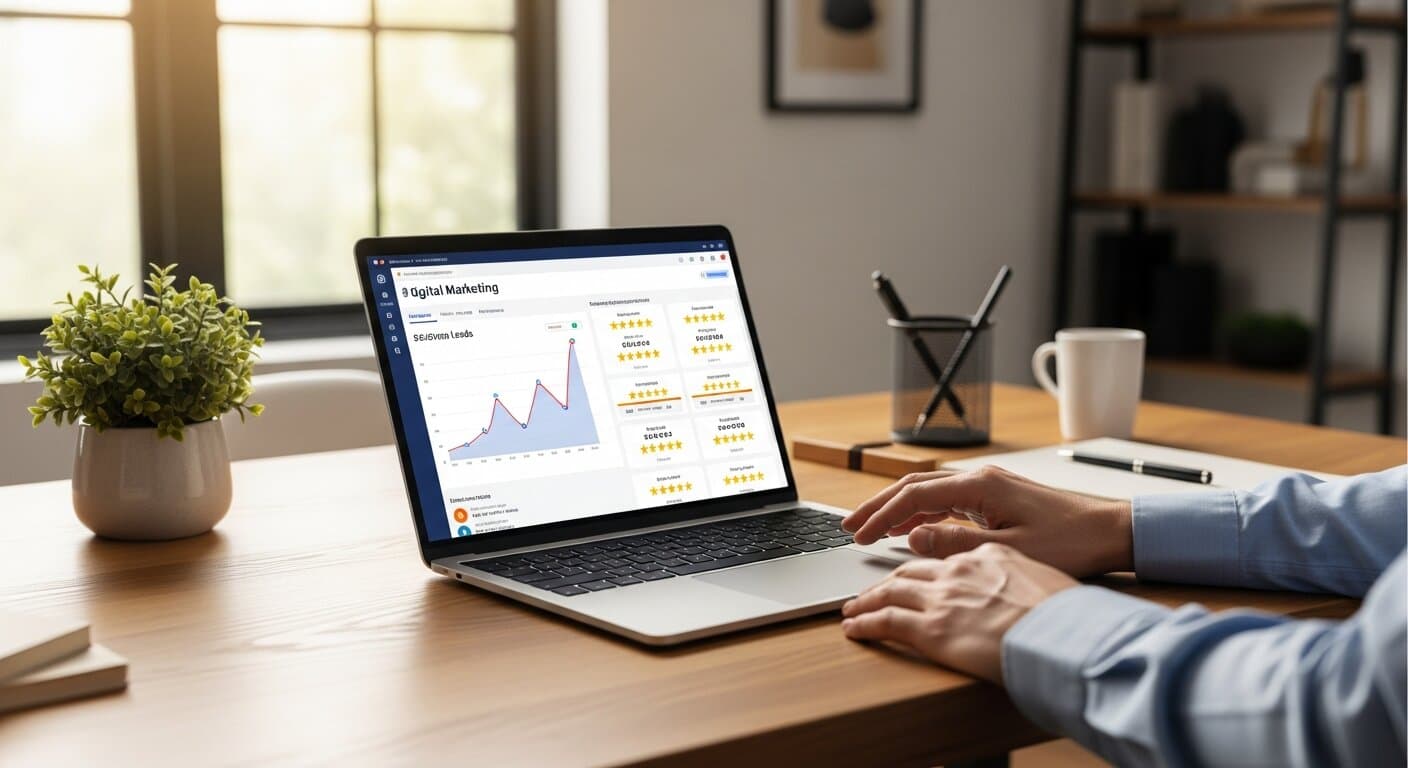
If you've searched for a plumber, HVAC tech, or roofer on Google recently, you've seen them at the very top: listings with a badge, a star rating, and a phone number — sitting above the ads, above the map, above everything else. Those are Local Services Ads (LSA), and they represent the most valuable real estate in Google search for contractors.
This guide covers everything you need to know: what changed with LSA in late 2025, how to set up your account step-by-step, how Google decides who appears first, how to dispute invalid leads, and the specific tactics that top-performing contractors use to generate more calls for less money.
What Google Local Services Ads Are (and Aren't)
Local Services Ads are pay-per-lead, not pay-per-click. You do not pay when someone sees your ad. You pay when a homeowner calls you, sends a message, or books an appointment through the LSA platform.
This is a fundamental difference from Google Search Ads, where you pay every time someone clicks — whether they book a job, call the wrong number by accident, or were comparing prices out of curiosity.
LSA results appear in a dedicated placement at the very top of the Google search results page:
- LSA listings (top of page — highest position possible)
- Paid Google Search Ads
- Google Map Pack (3 local business listings)
- Organic search results
When LSAs appear on a results page, they capture 13.8% of all page clicks according to industry click-through tracking. Homeowners trust them: 29% of searchers prefer clicking LSA results compared to only 11% for traditional Google Ads — largely because of the vetting process required before an LSA listing goes live.
What Changed in Late 2025: The New Google Verified Badge
In October 2025, Google restructured its entire LSA trust system. The old framework had three separate badges:
- Google Guaranteed — for home service contractors
- Google Screened — for professional services
- License Verified — for licensed trades like legal and medical
All three were replaced with a single "Google Verified" badge. More significantly, the consumer money-back guarantee that had backed Google Guaranteed for years was officially discontinued on November 7, 2025.
What this means for contractors:
The Google Verified badge still signals that your business was background-checked and your license and insurance verified — but homeowners can no longer claim reimbursement for bad work through Google. In practice, the impact on lead quality has been minimal. Homeowners still trust the badge, and verified contractors still outrank unverified ones consistently.
If your account was previously Google Guaranteed, your badge automatically transitioned to Google Verified. No action was required on your part.
Which Contractor Trades Qualify for LSA
Google currently supports 70+ service categories for Local Services Ads. The most common contractor trades eligible in 2026 include:
- HVAC (heating, cooling, furnace repair)
- Plumbing
- Electrical
- Roofing
- General contractors and remodeling
- Landscaping and lawn care
- Pest control
- Garage door repair
- House cleaning and maid services
- Window cleaning
- Painting (interior and exterior)
- Fencing
- Flooring installation
- Tree services
- Gutter cleaning and installation
- Pool services and maintenance
- Solar installation
- Junk removal and hauling
- Handyman services
If your specific trade isn't available when you first sign up, check back periodically — Google adds new categories regularly, especially as the platform expands into new markets.
How to Set Up Your LSA Account: Step-by-Step
Setting up LSA takes 2-6 weeks from start to first lead. Start well before your busy season — not during it.
Step 1: Create Your LSA Account
Go to ads.google.com/local-services-ads. Enter your ZIP code and select your trade category. Google will immediately confirm whether LSA is available in your specific market and for your trade.
Step 2: Build Your Business Profile
Fill out every field completely — incomplete profiles rank lower:
- Business name, address, and primary phone number
- Service area: enter the specific cities, ZIP codes, and counties you actually serve
- Services offered: be granular — "HVAC installation," "HVAC repair," "furnace repair," and "AC installation" are separate toggles, and each one increases your match eligibility
- Business hours: set accurate hours so Google doesn't count missed calls outside your availability as unresponsive
- Languages spoken
- Photos of your team, vehicles, and completed work
Step 3: Submit Verification Documents
Google will request documentation before your listing goes live:
- Business license: your contractor's license for your state and trade
- General liability insurance: minimum coverage thresholds vary by state and trade category
- Workers' compensation documentation: required in most states; check your state's specific requirement
- Background check: business owners must pass a background check through a Google-approved third-party provider
Pro tip: Get your insurance certificate and license documents organized before you start the application. Missing or expired documents are the most common cause of verification delays.
Step 4: Connect Your Google Business Profile
Link your GBP to your LSA account in the account settings. Your GBP reviews feed directly into your LSA listing — if your GBP shows 80 five-star reviews, your LSA shows 80 five-star reviews. This single integration is the most impactful action you can take before launch.
Build your review count before you go live. Launching LSA with 10 reviews while your competitor has 200 is fighting with one hand tied behind your back. See our guide on how to get more Google reviews as a contractor for a complete review-building system.
Step 5: Set Your Weekly Budget
LSA budgets are set weekly — not monthly, not daily. Google recommends starting with a budget that covers approximately 10 leads per week at your estimated cost per lead. If leads in your market typically cost $50, set a weekly budget of $500.
You will almost never spend your full budget every week, especially early on. Google manages spend automatically within your weekly cap.
Step 6: Wait for Approval
After submitting documents, verification typically takes 2-4 weeks. You'll receive an email notification when your account is approved and ads are active. Use this time to build reviews and optimize your GBP.
LSA Cost Per Lead by Contractor Trade (2026 Benchmarks)
Based on analysis of $6.72M in Google LSA spend across 888 contractors and 126,650 leads in early 2026, here are average cost-per-lead benchmarks by trade. For a deeper look at cost benchmarks across all paid channels, see our contractor cost per lead guide:
| Trade | Average CPL | Typical Range |
|---|---|---|
| Handyman | $22–$40 | $15–$65 |
| Window cleaning | $25–$45 | $18–$65 |
| Gutter cleaning/installation | $25–$50 | $18–$75 |
| House cleaning | $25–$50 | $18–$80 |
| Landscaping | $30–$55 | $20–$80 |
| Pest control | $35–$55 | $22–$85 |
| Painting | $35–$60 | $25–$90 |
| Fencing | $40–$65 | $28–$95 |
| Electrician | $40–$70 | $28–$110 |
| Plumbing | $35–$65 | $25–$100 |
| HVAC | $45–$80 | $30–$120+ |
| Roofing | $50–$90 | $35–$150 |
| General contractor / remodeling | $55–$100 | $40–$180 |
| Solar installation | $65–$120 | $45–$200 |
Cost ranges reflect market competition. Major metros (New York, LA, Miami, Chicago) trend to the high end. Mid-size markets (Raleigh, Columbus, Tucson, Boise) trend to the low end.
Emergency searches — "emergency AC repair" in July, "burst pipe" in February — spike CPL significantly because intent is extremely high and homeowners move fast. These leads are often worth paying more for.
The 5 LSA Ranking Factors You Can Control
Google doesn't publish its complete LSA ranking algorithm, but based on our work with contractor SEO clients and platform performance data across hundreds of accounts, these five factors have the most direct impact on visibility:
1. Review Count and Average Rating
Your GBP reviews power your LSA profile. Businesses with 50+ reviews and a 4.5+ average consistently outrank contractors with fewer reviews, even with identical budgets. Build your review count aggressively before launching LSA — and maintain the pace after. A competitor going from 30 reviews to 100 while you stay at 30 will gain ranking on you over time.
2. Response Rate and Speed
Google tracks whether you answer calls and how quickly you respond to messages. The platform explicitly states that low response rates negatively impact your ad ranking. Industry data reveals a staggering opportunity: 74.1% of contractor calls go completely unanswered.
If you answer every call during business hours, you are outperforming three-quarters of your competitors on one of Google's strongest ranking signals.
Three tactics to protect your response rate:
- Enable push notifications on the LSA app so you never miss a message
- Use an answering service during off-hours rather than sending callers to voicemail
- Set your business hours accurately — Google doesn't penalize you for being unavailable outside listed hours, but it does penalize missed calls during them
3. Weekly Budget Level
LSA is a competitive auction. Contractors with higher weekly budgets receive more exposure, particularly in competitive categories. Setting your budget too low doesn't mean you spend less — it means Google stops showing your ad once the weekly cap is reached, often by midweek during busy seasons.
A practical rule: in competitive trades and major markets, budget for at least $1,500–$2,000 per month to give the algorithm enough lead data to optimize your ranking. Accounts spending under $500/month in competitive metros rarely generate enough signal for consistent placement.
4. Account Activity and Profile Freshness
An actively maintained LSA account ranks better than a dormant one. Log in at least weekly, add new photos regularly, respond to messages within the hour, and keep your service list and hours current. Google rewards accounts where the business owner is visibly engaged.
5. Geographic Service Area Match
Google matches LSA listings to searches based on your declared service area and the homeowner's actual location. Adding ZIP codes you don't serve degrades your match quality score and can hurt your ranking in the areas you genuinely work. Keep your service area tight and accurate.
Managing and Disputing LSA Leads
The biggest advantage of LSA over pay-per-click is that you can dispute invalid leads and receive credits. This is a meaningful ongoing benefit that most contractors underuse.
Valid dispute reasons include:
- The caller was looking for a service you don't offer
- The caller's location was outside your service area
- Calls under 30 seconds (typically wrong numbers or immediate hang-ups)
- Duplicate calls from the same customer about the same job
- Confirmed spam or solicitation calls
- Customer could not be reached after repeated contact attempts
How to dispute a lead:
- Open the LSA app or web dashboard within 30 days of the charge
- Select the lead and tap "Dispute this lead"
- Select your reason from the dropdown
- Add a specific note (mention the location, the service requested, or what the caller said)
- Submit — Google typically processes credits in 7-10 business days
In our experience managing LSA accounts, active disputing recovers 10-20% of monthly spend for high-volume accounts. Build a monthly habit of reviewing every charge and disputing the legitimately invalid ones.
LSA vs. Google Search Ads vs. SEO: Which to Prioritize
Each channel plays a distinct role in your marketing stack. Here's how to think about them together:
| Channel | Time to First Lead | Cost Model | Lead Quality | Best Role |
|---|---|---|---|---|
| LSA | 2-6 weeks (setup) | Pay-per-lead $25–$120 | Very high | Immediate verified leads |
| Google Search Ads | Days | Pay-per-click $4–$25/click | High | Targeted service/geo control |
| Map Pack (GBP) | 2-4 months | Free | High | Local visibility, zero CPL |
| Organic SEO | 4-12 months | Low ongoing | Medium-high | Long-term lowest CPL |
The sequence we recommend for most contractors:
- Start LSA immediately to generate leads while you build long-term assets
- Add Google Search Ads for services or geographies where LSA coverage is thin
- Invest in SEO and GBP simultaneously — every month you delay costs you free organic leads
When your contractor SEO is driving steady organic traffic and your GBP ranks in the Map Pack, you can reduce your paid spend and operate at substantially lower blended cost per lead. The goal is to own the top of the page across all three positions — LSA, Map Pack, and organic — simultaneously.
Common LSA Mistakes That Kill Results
After managing LSA accounts for contractors across dozens of markets, these are the errors we see most frequently:
Setting the weekly budget too low: if leads in your market cost $80 and you cap spend at $200/month, you'll generate 2-3 leads and conclude "LSA doesn't work." You need at minimum 30-50 leads to evaluate performance, which means investing accordingly during the testing phase.
Never disputing leads: most contractors ignore lead disputes entirely. The 10-20% monthly recovery from active disputing compounds significantly over a year.
Over-broad service areas: claiming to serve 50 ZIP codes when you realistically serve 15 dilutes your match quality and reduces impressions in your core territory.
Ignoring the LSA mobile app: the app pushes notifications for every new lead. Contractors who use it respond faster, which directly improves ranking. Treat it like your phone.
Launching with a weak review profile: going live on LSA before building your review count is the most common self-inflicted wound. Invest 60-90 days building reviews first, then launch.
Mismatched GBP connection: disconnected or incorrectly linked GBP accounts miss out on review display and typically rank below connected accounts with identical budgets.
The Compound Effect: LSA + GBP + SEO Together
LSA, Google Search Ads, your GBP, and SEO work better together than any of them work alone. Here's the compound effect in practice:
- More reviews → higher GBP Map Pack ranking AND higher LSA ranking
- Higher LSA ranking → more calls → more opportunities to generate reviews
- Better website → higher organic ranking → more leads without any ad spend
- All three channels visible simultaneously → your brand dominates the first page
RankWeld clients running integrated contractor lead generation across LSA, paid search, and SEO together generate leads at 40-60% lower blended cost per lead than single-channel operators. The trust and visibility compounds at every touchpoint.
The contractors winning in 2026 aren't the ones with the biggest budgets. They're the ones with the tightest systems: answer every call, ask for every review, dispute every invalid lead, keep their profiles current, and let the flywheel accelerate.
Ready to set up LSA or optimize your existing account? Get a free SEO audit and we'll show you exactly where your business stands across every channel — and the fastest path to more leads this season.
Recommended Service
Ready to Put This Into Action?
Get a free SEO audit and see exactly where your contracting business stands. No commitment, no fluff — just data.
Get Your Free SEO AuditRelated Articles
Google Ads for Contractors: Budget, Strategy & ROI Guide
Google Ads can be the fastest way to fill your pipeline — or the fastest way to burn cash. This guide covers budgets, bidding, campaign structure, and ROI benchmarks so you spend smart from day one.
Read more
Google Ads vs SEO for Contractors: Which Is Better for Your Budget?
Should you spend your marketing budget on Google Ads or SEO? The answer depends on your timeline, budget, and business goals. Here's a detailed breakdown with real numbers to help you decide.
Read more
Contractor Lead Generation: 12 Strategies Beyond Angi & HomeAdvisor
Tired of paying $50+ for shared leads on Angi and HomeAdvisor? These 12 contractor lead generation strategies build a pipeline of exclusive leads that you own and control.
Read moreReady to Put This Into Action?
Get a free SEO audit and see exactly where your contracting business stands.