Instagram Marketing for Contractors: The Complete 2026 Guide
Why Instagram Has Become a Lead Machine for Contractors
Five years ago, Instagram was where photographers posted sunsets and food bloggers shared brunch plates. Today, it's one of the fastest-growing lead sources for home service contractors who use it right.
The reason is simple: your work is inherently visual, and Instagram is a visual platform.
A fence installation before and after. A roof replacement from rotting shingles to clean architectural tiles. A kitchen remodel from outdated laminate cabinets to custom white shaker with quartz countertops. Every job you complete is a story that photographs beautifully—and homeowners watching those stories are, consciously or not, dreaming about doing the same thing to their own homes.
We've seen contractors in landscaping, painting, remodeling, and roofing build genuine lead pipelines from Instagram—not massive followings, but consistent monthly inquiries from local homeowners who found them through a Reel and then called for an estimate. The platform isn't a magic button. But for trades with visual work and a willingness to film for a few minutes on the job site, it delivers.
This guide walks you through every part of a contractor Instagram strategy: profile setup, content creation, Reels, Stories, hashtags, ads, and converting followers into paying customers. If you want professional help integrating Instagram into a full contractor marketing strategy, we can help with that too.
Setting Up Your Instagram Business Profile for Maximum Impact
Before you post a single photo, your profile needs to do three things instantly: tell visitors who you are, what you do, and how to contact you.
Switching to a Business Account
If you haven't already, switch to a Professional (Business) account under Settings > Account > Switch to Professional Account. This unlocks:
- Analytics dashboard (reach, profile visits, content performance)
- Ability to run ads
- Contact button on your profile
- Booking and appointment links
- Branded content tools
There is no cost to use a Business account.
Optimizing Your Profile
Username: Use your company name. If it's taken, add your city: @SummitRoofingDenver or @EliteHVACAtlanta. Keep it short enough that people can type it easily.
Profile photo: Use your company logo on a white or light background, or a clear headshot of yourself in work gear. People hire people they trust—a real face builds trust faster than a logo.
Bio: You have 150 characters. Use them to answer: what do you do, who do you serve, and what should I do next?
Custom deck builder serving Denver & suburbs 📍 | Free estimates | 720-555-0198
or
Expert HVAC service | Houston area ✅ | Same-day repairs | Book link below 👇
Include your city name or service area—Instagram's local SEO is real, and keywords in your bio help you appear when people search locally.
Link in bio: Use a link to your website's service page, your contact form, or a dedicated landing page. If you use a tool like Linktree or Beacons, you can show multiple links (website, estimate form, phone call). Whatever you use, test it monthly to confirm it works.
Category: Set your business category accurately—"Roofing Contractor," "Landscape Designer," "Plumber," etc. This shows up under your name on mobile and helps Instagram surface your profile to the right audiences.
The Content Types That Work Best for Contractor Instagram Pages
Not all content performs equally. Here's how we rank content types by lead-generation impact based on what we've seen work across contractor accounts:
| Content Type | Lead Impact | Effort Level | Best Frequency |
|---|---|---|---|
| Before/After Reels | ★★★★★ | Low–Medium | 3–4x/week |
| Time-lapse project Reels | ★★★★☆ | Medium | 2x/week |
| Educational tips Reels | ★★★☆☆ | Low | 2x/week |
| Customer testimonial videos | ★★★★☆ | Low | 1x/week |
| Team/behind-the-scenes Stories | ★★★☆☆ | Very Low | Daily |
| Static project photos | ★★☆☆☆ | Very Low | As needed |
| Job-site tour Stories | ★★★☆☆ | Low | 2–3x/week |
The message is clear: Reels drive leads, Stories build trust, and static photos maintain your feed's visual appearance. Invest your energy accordingly.
Mastering Instagram Reels: The Before/After Formula
Instagram Reels are short-form videos (up to 90 seconds, though 15–30 seconds performs best for contractors) that get shown to users beyond your follower base. They're your most powerful tool for reaching new local homeowners.
The Before/After Reel Framework
You don't need professional video equipment or editing skills. Here's the exact formula that works:
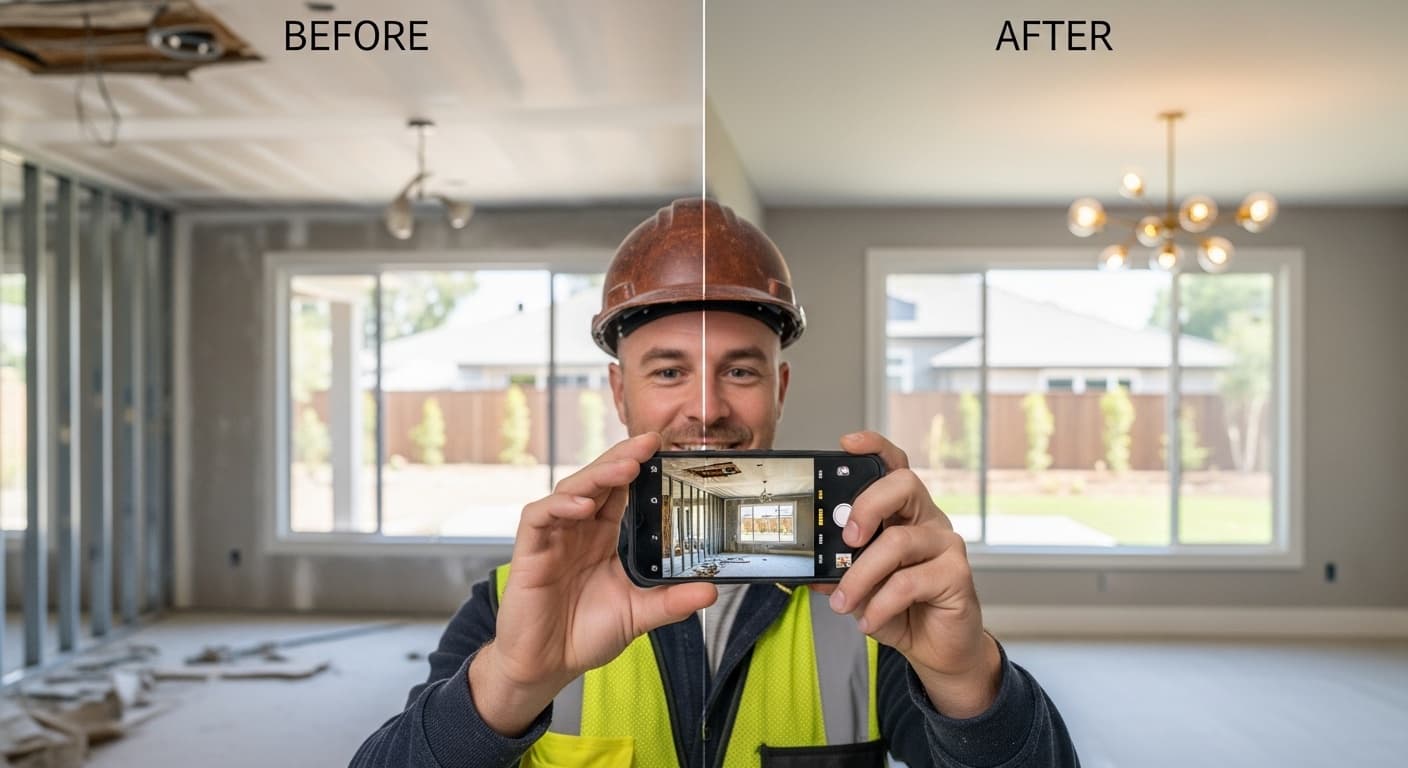
- Wide shot of the problem (5–10 seconds): Show the damaged roof, the dead lawn, the outdated kitchen, the rotted deck. Be honest—the worse it looks, the more dramatic the reveal.
- Two or three work-in-progress clips (3–5 seconds each): Show your crew measuring, installing, cutting, painting. People love seeing skilled work in motion.
- The reveal (5–10 seconds): Pan slowly across the finished result. Smile if you're in it. Let the work speak.
- Your contact information (3–5 seconds or as a text overlay): "Serving Dallas and surrounding areas—call 214-555-0198 for a free estimate."
That's it. No script required. No fancy transitions. The transformation is the content.
Filming Tips for Job Sites
- Film horizontally AND vertically. Reels need vertical (9:16) format. Most phones default to this.
- Start filming immediately when you arrive. The "before" footage is the most commonly forgotten step.
- Good lighting beats good equipment. Film outdoors or near windows when possible.
- Keep clips short. 3–5 seconds per clip is enough. Quick cuts feel energetic, not rushed.
- Use trending audio. Instagram's algorithm boosts Reels that use trending sounds. Check the Reels tab and look for audio with an arrow icon (trending).
What to Add in Editing
Instagram has a native Reels editor that's powerful enough for contractors. Add:
- Text overlays naming the service ("New deck installation—3 days start to finish")
- Location tag (set to your city)
- Captions for accessibility and for users who watch without sound
- Call to action in the video and in the caption
Caption Formula for Reels
Keep your caption tight:
[Hook—one attention-grabbing sentence]
[One or two sentences about the project]
[Your service area + call to action]
[Hashtags on a new line]
Example:
This garage floor looked like it survived a war zone 😅
Full epoxy coating + crack repair—here's the 2-day transformation.
Serving Chicago & suburbs | Free quote: 312-555-0198

#ChicagoContractor #EpoxyFloor #GarageRenovation #HomeImprovement #BeforeAndAfter
Instagram Stories: Daily Visibility Without the Pressure
Stories disappear after 24 hours, which means they're lower-stakes than feed posts. They're also where your audience engages with you most frequently between jobs. Use them to stay top-of-mind.
What to post in Stories:
- Quick job-site check-ins: "Starting a fence replacement in McKinney today"
- Material or product showcases: "New composite decking just arrived—this is what we're working with"
- Before photos (tease an upcoming Reel)
- Team introductions: "This is Carlos, our lead HVAC tech—7 years on the job"
- Polls and questions: "Would you choose white or wood-look vinyl siding?" (engagement boosts reach)
- Weather-related content: "Hail season is coming—here's how to check your roof after a storm"
- Customer reviews: Screenshot and repost a Google or Yelp review with a thank-you message
Story Highlights: Save your best Stories to permanent Highlights on your profile. Create Highlights for: Portfolio, Reviews, Meet the Team, Services, FAQs. These become a visual portfolio for new profile visitors who haven't followed you yet.
Instagram Hashtags and Local SEO for Contractors
Instagram's search is more powerful than most contractors realize. The right hashtags put your content in front of local homeowners who are actively looking for contractors.
Hashtag Strategy
Use 10–15 hashtags per post (Instagram allows up to 30, but more doesn't mean better). Mix three types:
- Local hashtags (4–5):
#DenverContractor#DallasHomeImprovement#ChicagoRoofing#AtlantaRenovation - Trade-specific hashtags (4–5):
#Roofing#HVACLife#LandscapingDesign#KitchenRemodel - Content hashtags (3–5):
#BeforeAndAfter#HomeTransformation#ContractorLife#HomeRenovation
Avoid massive generic tags like #Construction (50M+ posts). Your content is immediately buried. Mid-size tags with 100K–2M posts are the sweet spot—competitive enough to be searched, small enough that your content stays visible.
Location Tags
Always add a location tag to your posts and Stories. Tag your city, a specific neighborhood, or a landmark close to the job. Location-tagged content surfaces in Instagram's Explore page for local users—a significant source of organic reach for service businesses.
Running Instagram Ads for Contractors
Organic Instagram growth takes time. Ads compress that timeline and put your content in front of exactly the local homeowners you want to reach.
The Most Effective Ad Format: Reels Ads
Take your top-performing organic Reels and run them as ads. This works better than creating separate ad creative because you're boosting content that already proved it gets engagement.
Reels ads (video in the Reels feed) currently run at roughly $5–$8 CPM—among the lowest cost-per-1,000-impressions on Meta. For context, Google Display Ads typically run $2–$5 CPM but with much lower intent. Instagram Reels reach users who are actively engaged and in a browsing mindset.
Audience Targeting for Contractor Ads
Set these targeting parameters:
- Location: Your service area radius (typically 20–40 miles from your base)
- Age: 28–65 (homeowner demographic)
- Interests: Home improvement, home renovation, real estate, DIY
- Behaviors: Homeowners, recent movers (very powerful—people who just moved are actively hiring contractors)
- Lookalike Audiences: Upload your past customer list and target people with similar profiles
Seasonal Ad Strategy
Start running Instagram ads 3–4 weeks before your peak season. For HVAC, that means early June (cooling season) and late September (heating season). For landscaping and painting, it's March–April. Build awareness before your phone starts ringing so you're already familiar when homeowners start searching. Learn more about seasonal contractor marketing.
Budget Recommendation
Start with $300–$500/month and run three to five Reels. Track which ones drive the most link clicks and direct messages, pause the underperformers, and shift budget toward what works. Scale from there.
Converting Instagram Followers into Paying Customers
A common mistake contractors make: they put in the content effort but give followers no clear path to hire them. Fix this.
Your Conversion Funnel on Instagram
- Viewer watches Reel → Interested in the transformation
- Visits your profile → Bio confirms you serve their area
- Clicks link in bio → Lands on your estimate page or contact form
- Submits inquiry or calls → You respond fast and book the job
Every step in that funnel must be frictionless. Here's how to optimize each:
In the Reel: Mention your location and service verbally. "We just finished this kitchen remodel in Naperville—if you're in the Chicago suburbs and want a free estimate, click the link in our bio." People skip captions; they don't skip audio.
In your bio: Your phone number should be visible in your bio, not just behind a link. Some homeowners want to call directly—don't make them hunt for it.
On your landing page: If you're sending traffic from Instagram, make sure your landing page loads fast on mobile (almost everyone viewing Instagram is on their phone), has one clear call to action (not six), and makes it easy to request an estimate in under 30 seconds.
Response time: This is where most contractors lose leads. We've written about contractor speed to lead—the data is unambiguous: responding to an inquiry within 5 minutes dramatically outperforms waiting even an hour. Set up Instagram notifications on your phone and reply to DMs promptly.
Your Instagram Posting Schedule
Consistency is the number one factor in Instagram growth. Here's a realistic schedule for contractors:
| Day | Content |
|---|---|
| Monday | Reel (before/after from last week's job) |
| Tuesday | Story (job site check-in or project update) |
| Wednesday | Educational Reel ("3 signs your HVAC needs service") |
| Thursday | Story (team or behind-the-scenes) |
| Friday | Reel (time-lapse, testimonial, or project reveal) |
| Saturday | Story (weekend job or customer review) |
| Sunday | Optional: inspirational or planning content |
You don't need to hit this perfectly every week. But if you're posting fewer than 3 times per week, growth will be slow. Batch-film content on Fridays after jobs wrap and schedule posts for the following week using Meta Business Suite (free).
Measuring What's Working
Instagram Business analytics show you exactly which content is driving results. Check weekly:
- Reach: How many unique accounts saw your content
- Profile Visits: How many people visited your profile after seeing a post (high profile visits = content is creating interest)
- Link Clicks: How many people clicked the link in your bio
- Follows: New followers from specific posts
- DMs: Direct message volume (track this manually in a simple spreadsheet)
A Reel with high reach but low profile visits means it was entertaining but not generating intent to hire you. A Reel with moderate reach but high profile visits means it's hitting the right audience. Focus more on the latter.
Integrating Instagram Into Your Full Marketing Strategy
Instagram works best as part of a multi-channel strategy, not a standalone solution. In our experience, contractors who see the strongest results from Instagram are also running Google Ads to capture high-intent search traffic and maintaining strong Google Business Profiles to capture local map pack traffic.
Instagram builds brand familiarity. Google captures people who are actively searching. Together, they create a powerful combination: homeowners see your work on Instagram, remember your name, and when they search for a contractor two weeks later, they click on your profile because they already recognize you.
If you're not sure where to start or want a team to manage your Instagram and paid ads together, our agency works exclusively with contractors. We know what content works for your trade and how to connect Instagram to a full lead-generation funnel.
Start Simple, Stay Consistent
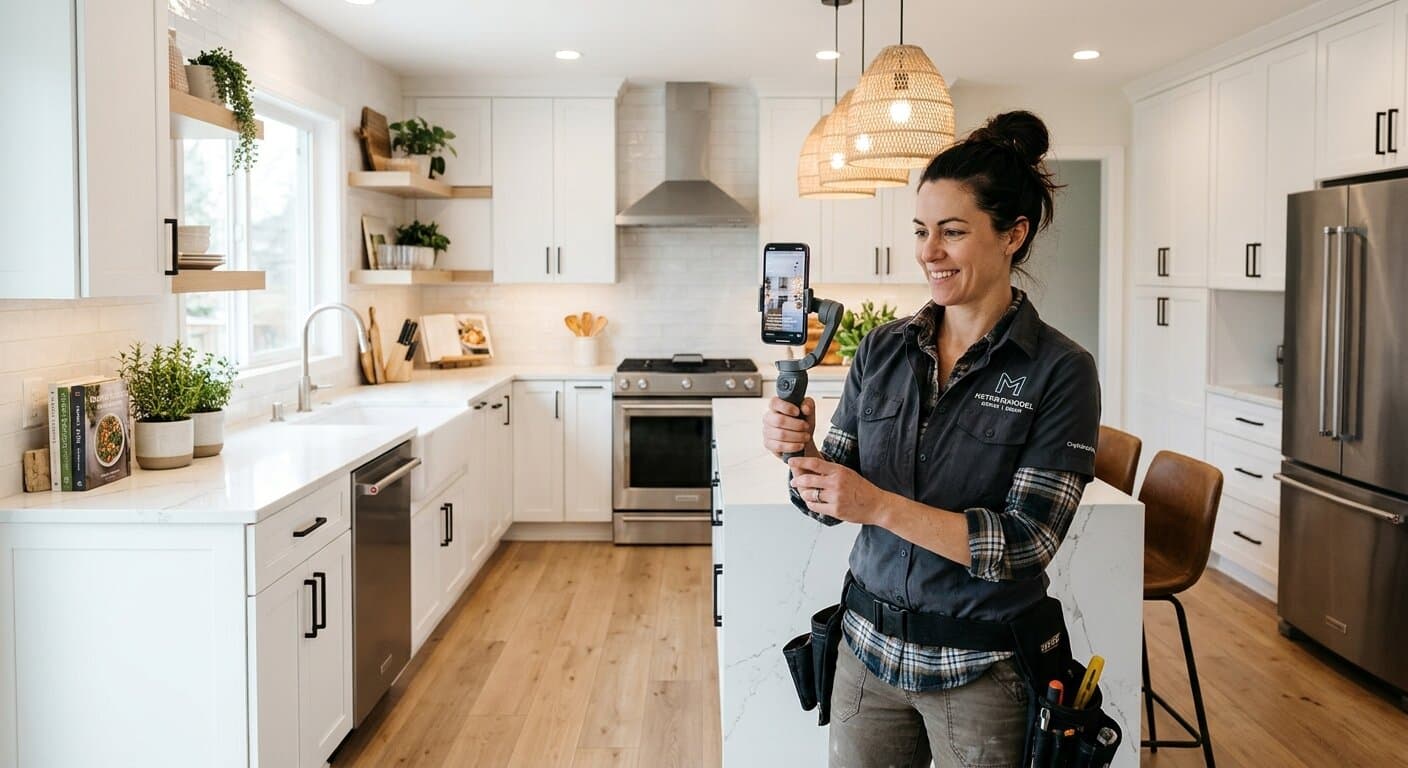
You don't need a professional videographer, a ring light, or a social media manager to build an Instagram presence that generates leads. You need a smartphone, a job site, and a habit of filming for two minutes before and after every project.
The contractors generating the most Instagram leads aren't the ones with the most polished content—they're the ones who show up consistently. A slightly shaky before/after Reel filmed on a Tuesday afternoon beats a perfectly produced video that never gets made.
Start this week. Film the before at your next job. Film the after. Post it. Repeat for 90 days. The results will surprise you.
Ready to pair your Instagram strategy with a website and SEO system that turns all that brand awareness into booked jobs? Get a free SEO audit from RankWeld and find out exactly where your biggest growth opportunities are.
Recommended Service
Ready to Grow Your Contracting Business?
From SEO to Google Ads to review management — we handle the marketing so you can focus on the work. Monthly plans from $600/mo.
Get Your Free SEO AuditRelated Articles
TikTok for Contractors: How to Get Real Leads from Short-Form Video in 2026
Short-form video is no longer optional for contractors who want to stay competitive—it's one of the fastest ways to build local brand recognition and generate real inbound leads. This guide shows you exactly how to set up your TikTok presence, what to film, and how to turn views into phone calls and booked jobs.
Read more
Social Media Marketing for Contractors: Is It Worth It?
Social media is everywhere, but is it actually worth your time as a contractor? Here's an honest breakdown of what works, what doesn't, and how to use social media to generate real leads.
Read more
Contractor Video Marketing: The Complete Guide to Getting Leads on YouTube & Social
Video is the fastest-growing lead channel for contractors in 2026. This guide shows you how to set up a channel, film professional-looking clips without expensive gear, and convert views into booked jobs.
Read more
Facebook Ads for Contractors: The Complete 2026 Lead Generation Guide
Facebook and Instagram ads create demand before homeowners even start searching. Here's the complete playbook for running profitable contractor ads on Meta in 2026.
Read moreReady to Put This Into Action?
Get a free SEO audit and see exactly where your contracting business stands.