Contractor Marketing Analytics: How to Track ROI and Stop Wasting Money

Here's a question most contractors can't answer: which of your marketing channels actually made you money last month?
If the answer is "I'm not really sure," you're not alone. In our experience working with hundreds of contractors, the majority spend between $1,000 and $10,000 per month on marketing without a clear system for knowing what's working. They run Google Ads because someone said they should, pay for a website because they know they need one, and keep their Yelp listing active out of habit.
Contractor marketing analytics changes that. With the right tracking in place, you know exactly how many leads each channel generated, what each lead cost, how many turned into jobs, and what those jobs were worth. Then you can invest more in what works and cut what doesn't.
This guide shows you how to build that tracking system, understand the numbers that matter, and make marketing decisions based on data rather than guesses.
Why Most Contractors Don't Track Marketing ROI
The first objection we hear: "I know Google is working because we're getting calls." That's not tracking — that's a feeling.
The second objection: "It's too complicated to set up." The reality is that basic marketing tracking for a contractor takes 2–4 hours to implement and costs $50–$150 per month in software. That investment pays for itself in the first month if it helps you identify even one channel that isn't working.
The third issue: contractors often receive leads through multiple channels simultaneously. A homeowner might see your Google Ad, then search your name, find your website, read your reviews on Yelp, and finally call you. Without tracking, you'd attribute that job to "Google" or "Yelp" or "my website" depending on who answered the phone and asked how they found you. That's not data — it's guesswork.
Modern tracking tools solve this. Here's how to set them up.
The 4 Pillars of Contractor Marketing Tracking
A complete contractor marketing analytics setup has four components:
- Call tracking — knows which marketing source triggered every inbound call
- Website analytics — knows how visitors behave on your site and which pages generate leads
- CRM-based lead attribution — ties closed jobs back to their original lead source
- Paid advertising dashboards — monitors spend, clicks, and conversions in Google Ads and LSAs
You don't need all four on day one. Start with call tracking and Google Analytics — that covers 80% of what most contractors need.
Step 1: Set Up Call Tracking
Your phone is your conversion point. Most contractors don't have contact forms — the job is won on the call. Call tracking software is not optional; it's the foundation of your analytics system.
How call tracking works:
- The software assigns unique phone numbers to each marketing channel
- Each unique number forwards to your real business number — calls work normally
- When someone calls, the software records: which number they dialed, what time, how long the call lasted, and whether the call was answered
- Some tools record and transcribe calls, so you can review lead quality, not just volume
Recommended call tracking tools for contractors:
| Tool | Monthly Cost | Key Features |
|---|---|---|
| CallRail | $45–$145 | Call recording, transcription, keyword-level tracking, CRM integrations |
| WhatConverts | $30–$100 | Strong form + call tracking, good contractor integrations |
| CallTrackingMetrics | $65–$200 | Advanced routing, multi-location, great for larger companies |
| Google Call Extensions | $0 | Basic, free, but no source-level detail beyond "Google Ads" |
For most contractors, CallRail at $45/month is the right starting point. Set up unique numbers for:
- Google Ads (separate from your website)
- Your website (all organic traffic)
- Google Business Profile
- Yelp
- Angi / HomeAdvisor
- Truck wraps / yard signs (if you want to measure offline sources)
After 30 days, you'll have clear data on which channels are generating calls and how many calls each produces.
Step 2: Google Analytics With Goal Tracking
Call tracking tells you about phone leads. Google Analytics tells you about everything happening on your website — where visitors come from, which pages they visit, and how many fill out your contact form.
Setting up Google Analytics 4 (GA4):
Google Analytics is free. If it's not installed on your site already, your web developer can add it in under 30 minutes. Once installed, set up conversion events (formerly "goals") for:
- Phone number clicks (mobile users tapping your number)
- Contact form submissions
- Quote request form completions
- Thank-you page views after form submission
These conversion events tell you not just how much traffic each channel drives, but how much of that traffic actually converts into leads.
The reports that matter for contractors:
In GA4, focus on these:
- Acquisition → Traffic Acquisition — shows how visitors arrive (organic search, paid search, direct, referral, social)
- Engagement → Landing Pages — shows which pages get the most traffic and highest conversion rates
- Conversions — shows total goal completions by channel and page
- Search Console integration — connects to Google Search Console to show which keywords drive organic traffic
Ignore vanity metrics: total page views, average session duration, and bounce rate tell you little about whether marketing is making you money. Focus on leads generated per channel and cost per lead.
Step 3: CRM-Based Lead Attribution
Call tracking and GA4 show you leads generated. Your contractor CRM closes the loop by tracking which leads turned into jobs and what those jobs were worth.
This is the step that lets you calculate true ROI — not just cost per lead, but cost per closed job and revenue generated per marketing channel.
How to implement lead attribution in your CRM:
When a new lead enters your CRM (from your call tracking software, website form, or manual entry):
- Tag the lead source: "Google Ads," "Organic SEO," "Yelp," "Referral — [Name]," etc.
- When the estimate is created, record the job value
- When the job is won or lost, update the status
- At month end, run a report: leads by source, close rate by source, revenue by source
After 90 days, you'll have a clear picture like this:
| Source | Leads | Close Rate | Jobs | Avg Job Value | Revenue | Marketing Cost | ROI |
|---|---|---|---|---|---|---|---|
| Google Ads | 22 | 32% | 7 | $4,200 | $29,400 | $3,200 | 819% |
| Organic SEO | 15 | 40% | 6 | $5,100 | $30,600 | $800 | 3,725% |
| Yelp | 8 | 25% | 2 | $2,800 | $5,600 | $600 | 833% |
| Angi / HA | 11 | 18% | 2 | $2,400 | $4,800 | $900 | 433% |
| Referrals | 9 | 55% | 5 | $6,200 | $31,000 | $0 | ∞ |
This data makes your marketing decisions obvious. You'd invest more in SEO and Google Ads, examine why Angi leads close poorly (lead quality issue?), and double down on referral generation (zero cost, highest close rate).
The Core KPIs Every Contractor Should Track Monthly
Don't try to track everything. These are the KPIs that actually drive better decisions:
| KPI | What It Measures | Healthy Benchmark |
|---|---|---|
| Cost per lead (CPL) by channel | Efficiency of each marketing dollar | Varies by trade (see below) |
| Close rate by lead source | Lead quality by channel | 25–50% (varies by trade) |
| Cost per closed job | True acquisition cost | <15% of average job value |
| Revenue per marketing dollar | Overall marketing ROI | 5:1 or better |
| Organic sessions (monthly) | SEO health | Growing month-over-month |
| Conversion rate (website) | Website quality | 3–8% for most contractors |
| Call answer rate | Operational speed-to-lead | >90% |
| Google Ads Quality Score | Ad relevance and landing page quality | 7–10 |
Cost per lead benchmarks by trade (Google Ads, 2026):
| Trade | Typical CPL Range |
|---|---|
| HVAC | $80–$200 |
| Plumbing | $60–$150 |
| Roofing | $100–$250 |
| Electrical | $50–$120 |
| Landscaping | $40–$100 |
| Foundation / Waterproofing | $150–$400 |
| Solar | $100–$300 |
If your CPL is significantly higher than these benchmarks, it usually signals one of three problems: poor keyword targeting, weak ad copy, or a low-converting landing page.
Step 4: Google Ads Tracking Setup
If you're running Google Ads for contractors, tracking is built in — but you need to configure it correctly.
Essential Google Ads tracking settings:
- Link Google Analytics — import your GA4 conversion events into Google Ads
- Enable auto-tagging — GA4 automatically receives campaign data when this is on
- Call extension tracking — set calls lasting 60+ seconds as a conversion
- Search term reports — weekly review of what keywords triggered your ads (add negatives aggressively)
The two metrics that tell you if Google Ads is working:
- Conversion rate: What percentage of clicks result in a call or form submission? Under 3% usually means your landing page needs work. Above 8% is excellent.
- Cost per conversion: Total spend ÷ total conversions. If you're paying $600 to generate one lead and your average job is $2,000, your math doesn't work. Adjust bids, keywords, or ad copy.
Review your Google Ads account at least weekly. Campaigns spending $500+/month need daily attention during heavy spend periods.
Step 5: Build a Simple Marketing Dashboard
You don't need a data engineer. A simple Google Sheet updated monthly gives you a marketing dashboard that any contractor can use.
Monthly marketing dashboard template:
| Month | Google Ads Spend | Ads Leads | Ads CPL | SEO Leads | Yelp Leads | Total Leads | Closed Jobs | Revenue |
|---|---|---|---|---|---|---|---|---|
| September | $2,500 | 18 | $139 | 12 | 6 | 36 | 11 | $43,200 |
| October | $2,500 | 20 | $125 | 14 | 5 | 39 | 13 | $51,500 |
| November | $2,000 | 16 | $125 | 15 | 4 | 35 | 11 | $44,000 |
Tracking this data monthly takes about 30 minutes. The insights it generates — which months drive the best CPL, whether SEO leads are growing, what seasonal patterns look like — are worth hours of strategic decision-making.
Common Analytics Mistakes Contractors Make
After auditing hundreds of contractor marketing accounts, we see the same mistakes repeatedly:
1. Tracking "impressions" instead of leads. Impressions are how many times your ad or content appeared. They cost nothing and mean nothing by themselves. Track leads, calls, and revenue — not eyeballs.
2. Giving too much credit to the last click. The homeowner who saw your truck, Googled you later, and called from your website might show up as a "direct" visit in GA4. Attribution is complicated; use multiple data sources rather than relying on any single one.
3. Not tracking leads that come in after hours. If a homeowner submits a contact form at 9pm and you don't follow up until 10am the next morning, you may lose that lead. Speed to lead matters enormously — read our contractor speed to lead guide for more on this.
4. Pausing Google Ads because "the phone wasn't ringing" without checking the data. We've seen contractors pause well-performing campaigns in their slowest season, then spend months rebuilding their history and Quality Scores. Use data to decide, not gut feel.
5. Ignoring SEO's lag time. SEO results appear 3–9 months after the work is done. If your reporting only looks month-to-month, you'll undervalue your SEO investment. Track 6-month and 12-month organic traffic trends to see the real picture.
The 90-Day Tracking Implementation Plan
If you're starting from zero, here's a realistic timeline:
Month 1:
- Install call tracking software (CallRail or WhatConverts)
- Set up GA4 with conversion tracking
- Create your monthly marketing dashboard spreadsheet
- Tag all existing leads in your CRM with their source
Month 2:
- Review first month of call tracking data
- Compare lead volume by source to ad spend by source
- Calculate preliminary CPL for each channel
- Start identifying high and low performers
Month 3:
- Full CPL and close rate analysis by source
- Calculate revenue per marketing dollar
- Make first data-driven budget adjustments
- Share results with your marketing agency or team
By month 3, you'll know more about your marketing performance than 90% of your competitors. That knowledge compounds over time — every month of data makes your decisions sharper.
Marketing analytics isn't about complexity — it's about knowing whether your investment is working. With call tracking, GA4, and CRM attribution in place, you'll never again have to guess which channel is driving your growth.
If you want help building a tracking system tailored to your trade and market, start with a free marketing audit. We'll review your current setup, identify tracking gaps, and show you exactly where your leads are coming from — and where they're not.
Recommended Service
Ready to Put This Into Action?
Get a free SEO audit and see exactly where your contracting business stands. No commitment, no fluff — just data.
Get Your Free SEO AuditRelated Articles

Cost Per Lead for Contractors: What to Expect by Trade
Cost per lead varies wildly across contractor trades — from $15 for handyman leads to $250+ for roofing. Here are the real numbers by trade and channel, plus strategies to lower your CPL.
Read more
How Much Does Contractor Marketing Cost in 2026?
Wondering what contractor marketing actually costs? This guide breaks down real pricing for every channel — SEO, Google Ads, websites, reviews, and more — with ROI benchmarks so you know what to expect.
Read more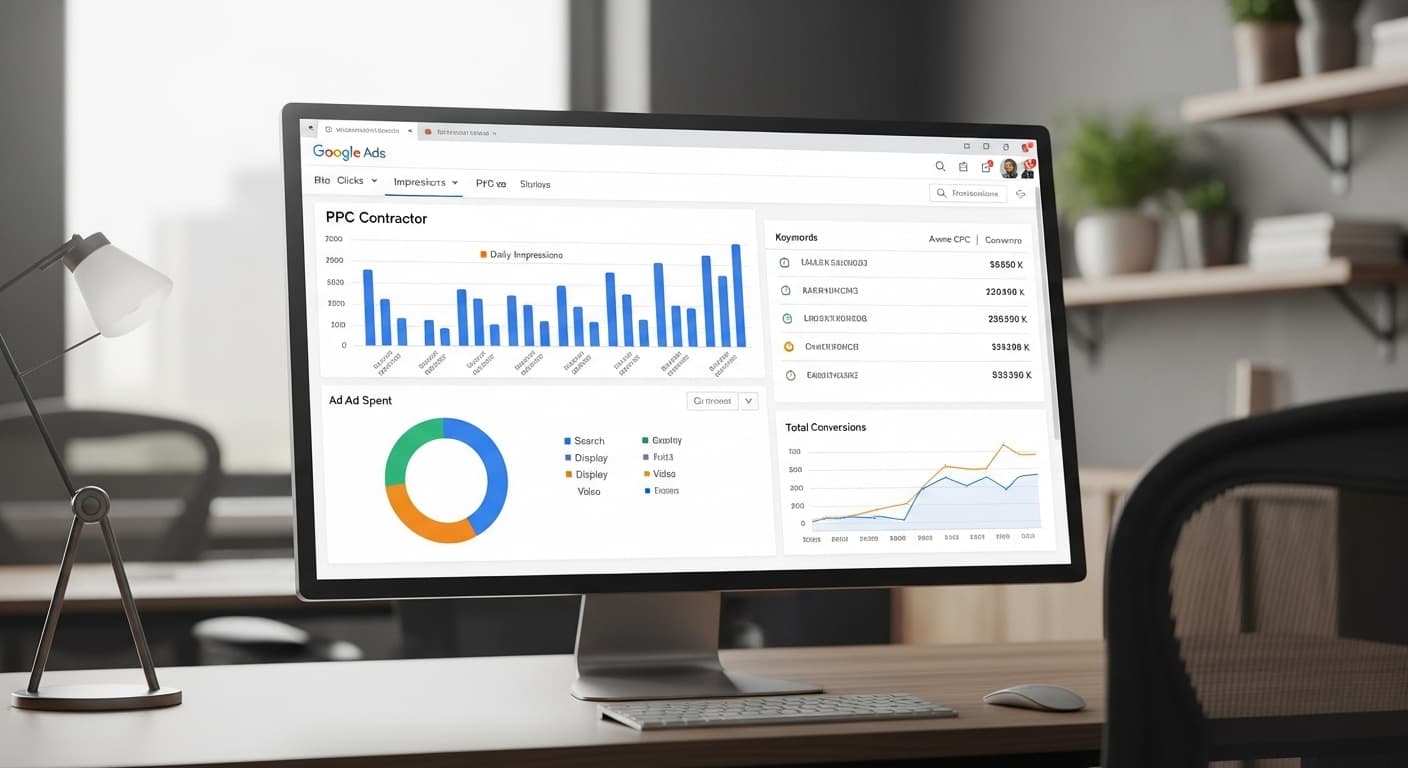
Google Ads for Contractors: Budget, Strategy & ROI Guide
Google Ads can be the fastest way to fill your pipeline — or the fastest way to burn cash. This guide covers budgets, bidding, campaign structure, and ROI benchmarks so you spend smart from day one.
Read more
The Ultimate Guide to Contractor Marketing in 2026
Everything contractors need to know about marketing in 2026. From SEO and Google Ads to reviews and social media, this guide covers every channel that drives real leads.
Read more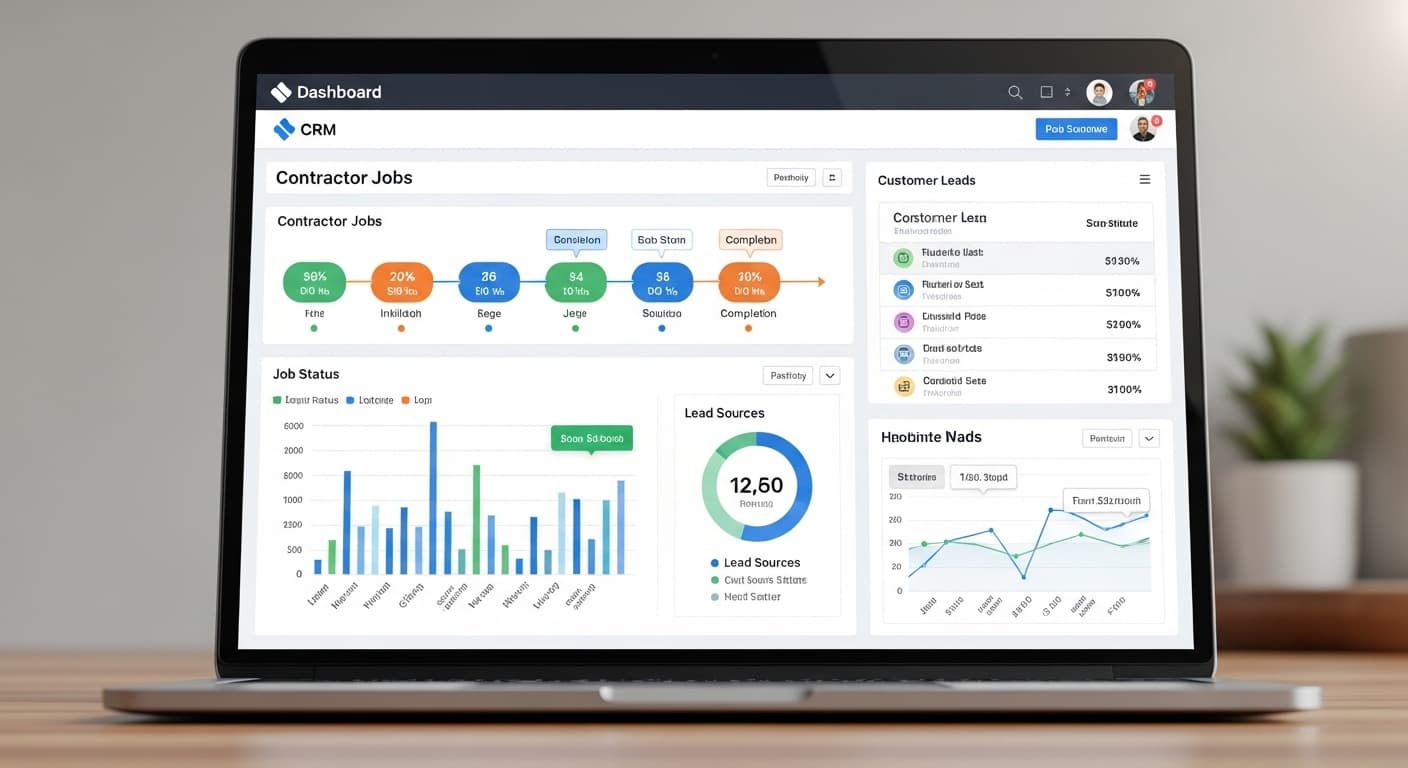
Best CRM for Contractors: 2026 Comparison Guide
Not sure which CRM is right for your contracting business? We compare the top 7 contractor CRMs on features, pricing, ease of use, and ROI so you can pick the right one without wasting time on demos.
Read moreReady to Put This Into Action?
Get a free SEO audit and see exactly where your contracting business stands.